
One system for the entire operational day.
The booking is the starting point. RidgeHQ connects it to sessions, participants, staff, resources, payments, changes, and reporting.
Online Bookings & POS
Sell without creating a second operation. Keep front-desk and online sales connected to the same operational context.
Scheduling & Dispatch
Plan with the full picture. See sessions, instructors, trips, and conditions together in one weekly planner.
Gear & Fleet Management
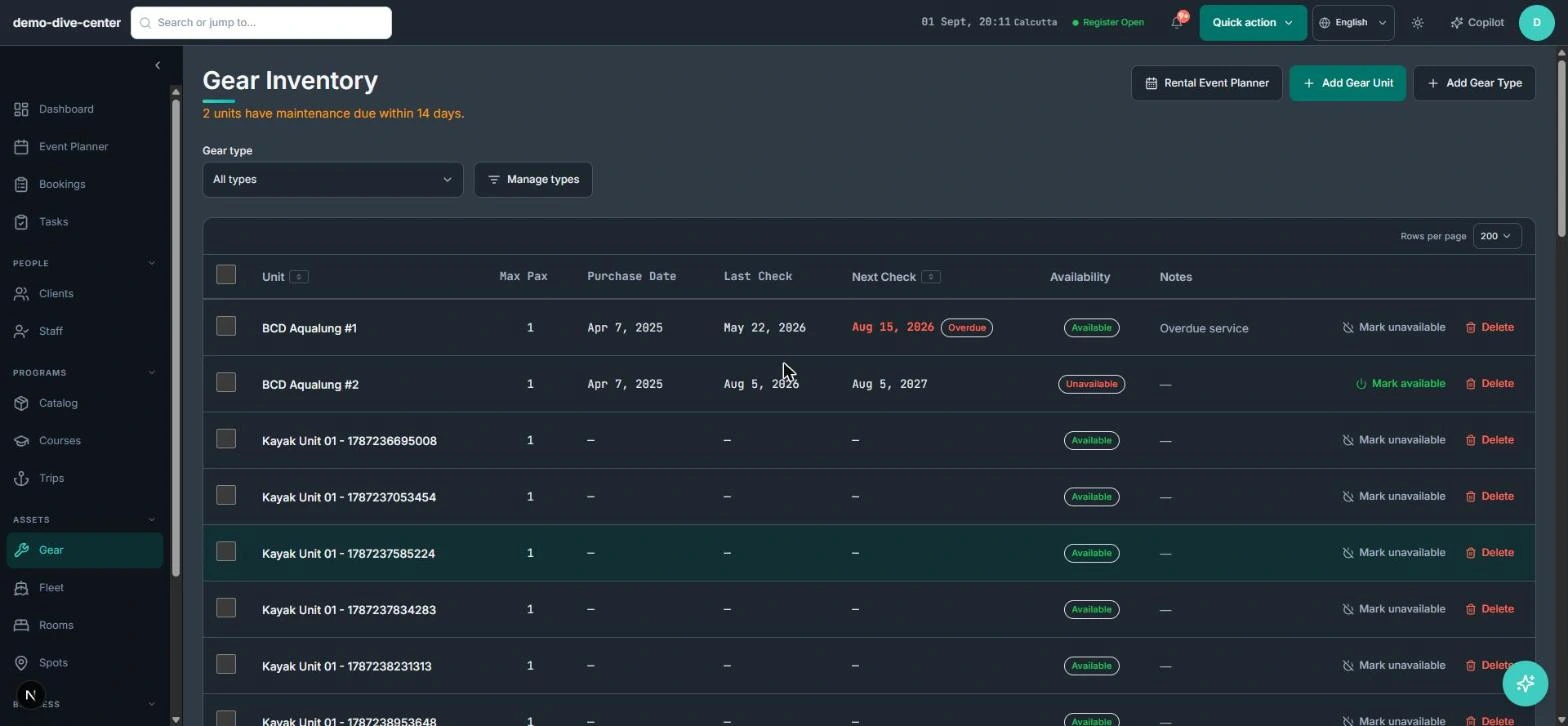
Protect scarce resources. Know exactly what gear, boats, vehicles, and rooms are committed, out for service, or due an inspection.
Staff Coordination
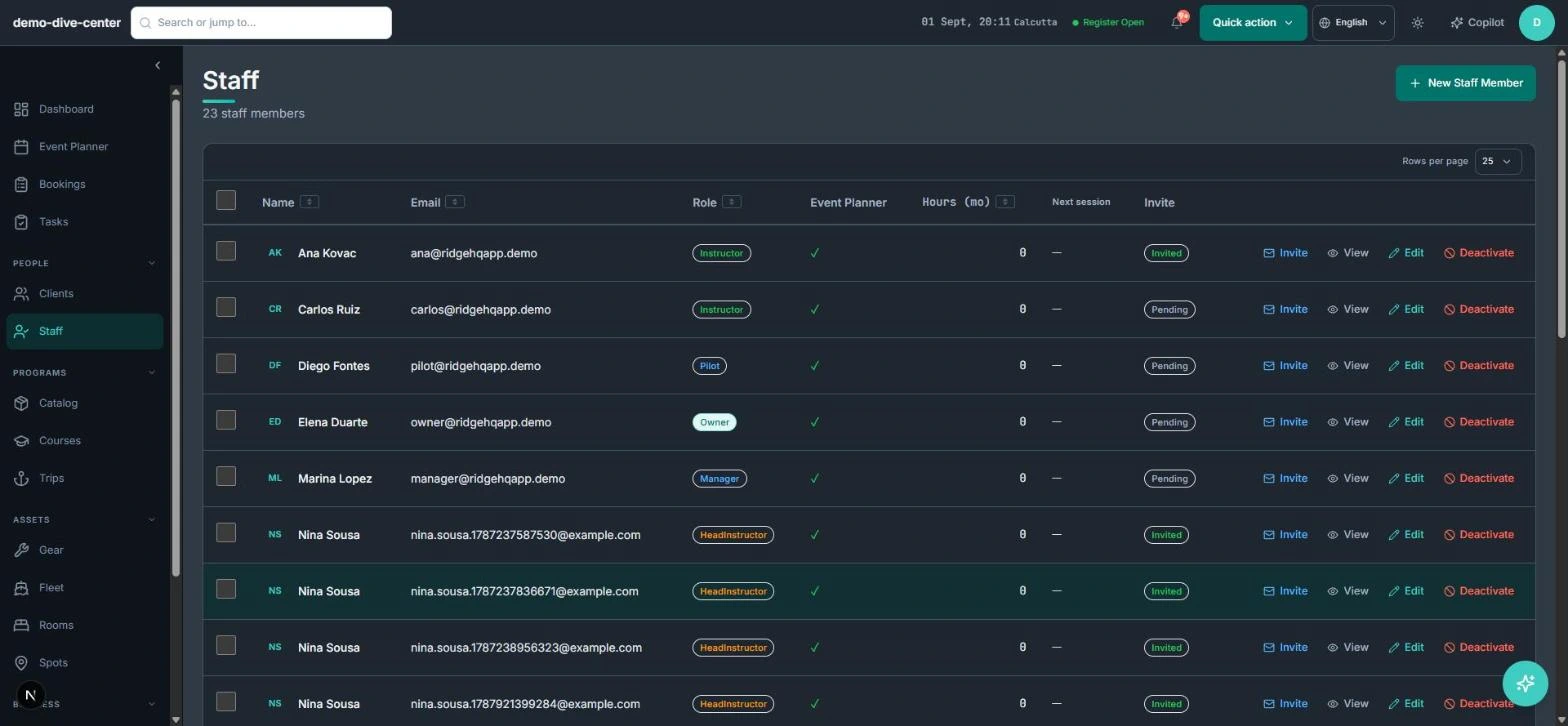
Assign instructors and guides by role and activity, with overlap checks, clear permissions, and fee rules built in.
Customer & Participant Profiles
Know the participant behind the booking. Keep certifications, sizes, waivers, history, and credits attached to one customer record.
Payments & Reporting
Close the day with context. Payments, invoices, credit notes, staff fees, partner commissions, and reports in one ledger.
Activity-aware resource coordination
The operational day combines time, capacity, staff, locations, equipment, fleet, accommodation, and changing conditions. RidgeHQ checks the things that most often go wrong: an instructor assigned to two overlapping sessions is refused, a pilot can’t be put on two overlapping trips, gear availability is matched by unit and size, and equipment out for service drops out of availability the moment it’s logged.
Move when the day changes
Reschedule a session and its participants and instructors move with it; cancel one and the people booked on it are notified. Weather and tide for the session’s spot sit beside the plan, against thresholds you set per activity, so the decision to move a group is made with the conditions in view rather than rebuilt from scratch.
How the pieces connect
Most activity businesses run on a booking widget, a spreadsheet, a whiteboard, a payment terminal, and a group chat — and the owner becomes the integration layer between them. In RidgeHQ a booking is one record that every other part of the day reads from:
- It lands on the session it was made for, so the planner shows real occupancy and the roster shows who is coming, with their level.
- Its participants carry their waiver requirements, sizes, and gear needs from their customer profile.
- Its payment, deposit, and any later credit note sit on the same order, feeding the daily close and revenue-by-origin reports.
- Instructors assigned to its session have their hours and fees calculated from that assignment.
- The AI Copilot and any connected AI assistant read the same records, inside the same permissions.
Frequently asked questions
Ready to connect your operation?
Join the operators using RidgeHQ to manage their day from one unified platform.