
From first click to final dive, on one system.
Generic booking tools do not understand boats, two-tank days, kit prep, or per-diver medicals. RidgeHQ puts dive-specific rosters, waivers, payments, and multi-channel sales in one place.
- 0% commission on direct bookings
- Boat manifests generated from the session roster
- Per-participant waivers and medical forms, built in
See it on your operation
A short walkthrough of RidgeHQ mapped to how dive centers actually run the day — bookings, schedule, resources, and the close.
Book a DemoTakes about two minutes to request.
The operational reality
A typical dive center sells on a booking widget, plans the boat on a whiteboard, keeps kit sizing in a folder, and logs course progress in a spreadsheet. Every course that fills online is re-typed onto the manifest by hand, every gear swap is checked from memory, and no screen shows the whole day at once.
What your day has to balance
- Boat passenger capacity, weight distribution, and crew assignment
- Instructor-to-diver ratios that vary by course and agency standard
- Cylinder, weight, and specialty-gear stock (nitrox, drysuit, camera)
- Certification prerequisites and medical clearance per course
- Tide windows, visibility, and water temperature for each site
How RidgeHQ helps
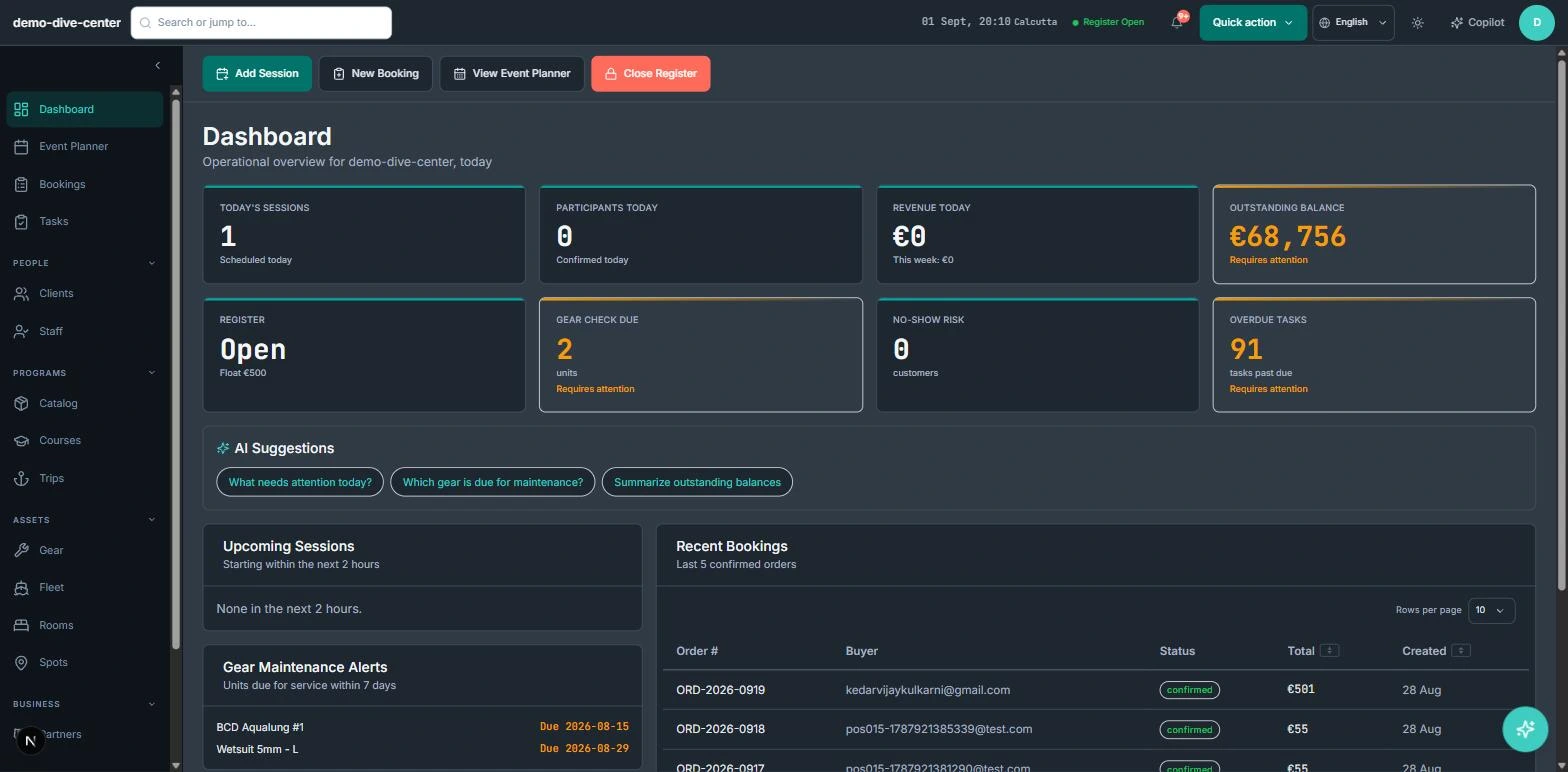
Every booking lands on the session with the diver's certification level and stored kit sizes attached — so the roster, the boat manifest, and the gear prep list are generated from it instead of copied across three tools.
From booking to day close:
Book 24/7. A diver books a course or a two-tank trip on your website, pays a deposit, and answers your waiver and medical questions.
Confirm on payment. The order confirms once the online payment succeeds; any balance is tracked against the order and settled at the desk.
Check qualifications. Courses that need a prerequisite ask for the diver's level and licence number, and the roster shows it.
Plan the boat. Sessions are grouped into a trip with a pilot and dive site; instructor and pilot overlaps are refused.
Generate the manifest. The manifest is generated from the confirmed divers with certifications and kit sizes; the gear prep list comes from the same data.
Close the day. Dive logs and course completions are recorded, the register closes, and revenue by origin lands in reporting.
One checkout for the website, the desk, and your agents
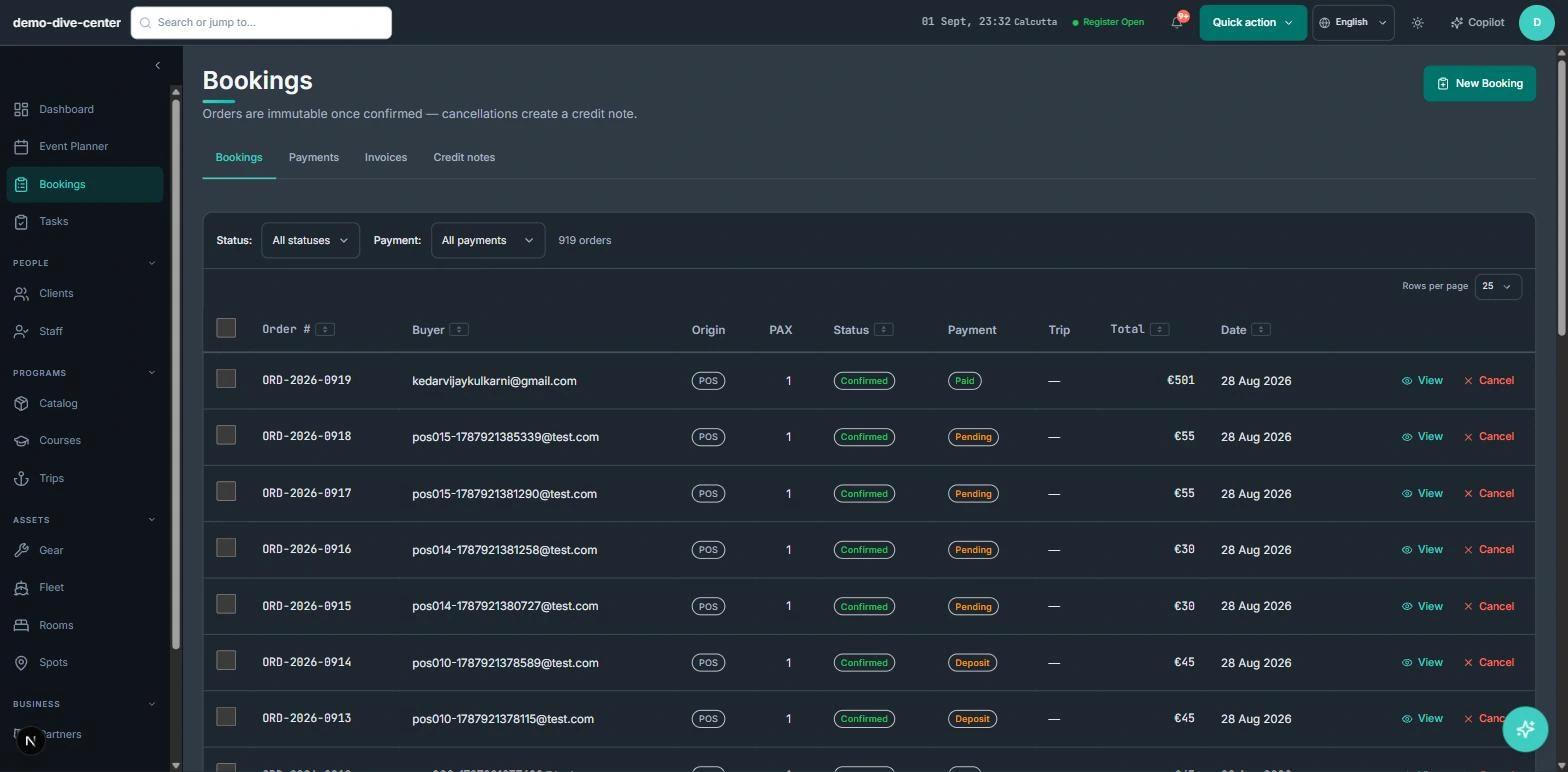
Courses, fun dives, and packages sold online, at the counter, or through a hotel agent all write to the same sessions and the same orders. A course that fills on the website is full at the desk a moment later, without anyone re-typing it.
- Booking widget on your own website with live availability, deposit or full payment, and promo codes
- Front-desk POS for walk-ins, rentals, and retail on one basket, with register open and close
- Agent and partner bookings recorded with their commission for settlement
- 0% platform commission on direct bookings
- Products can require a minimum certification level; the booking form asks for the diver's level and licence number only where it is required
Boat days built from real bookings
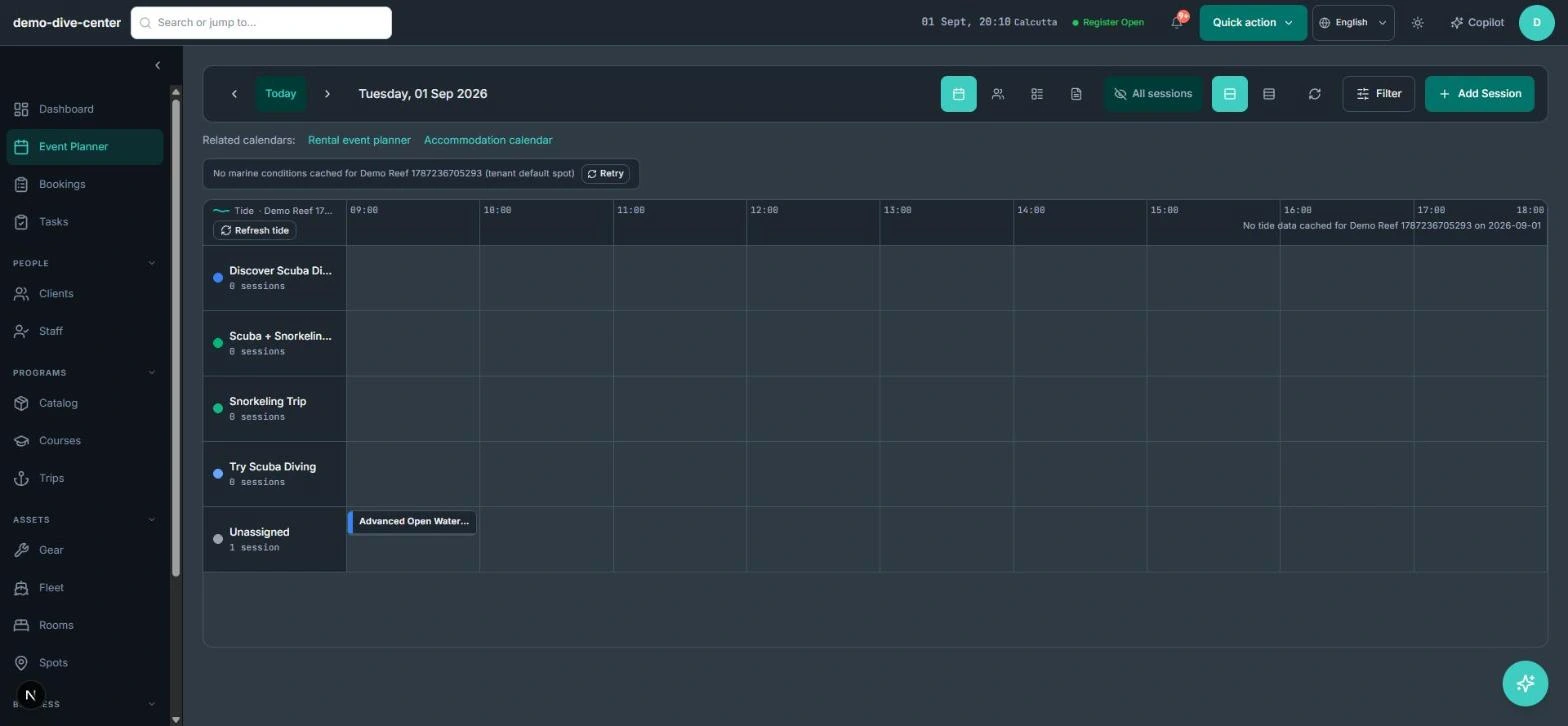
The planner shows the week by activity, staff, or trip. Boat trips group the sessions that travel together, carry their pilot and destination site, and produce a manifest from the confirmed divers — so the dock list is never a hand-copied version of the booking sheet.
- Trips with a pilot, destination site, and capacity computed from their sessions
- Boat manifest per session: confirmed divers with certification and kit sizes, linked to the vessel
- Overlap checks on instructor and pilot assignments
- Wind, wave, swell, visibility, water-temperature, and tide context for the dive site
- Per-activity thresholds that flag a session when conditions exceed your limits
- Trip gear prep list built from each diver's sizes and needs, with a packed tick per line
The paperwork, kept with the diver
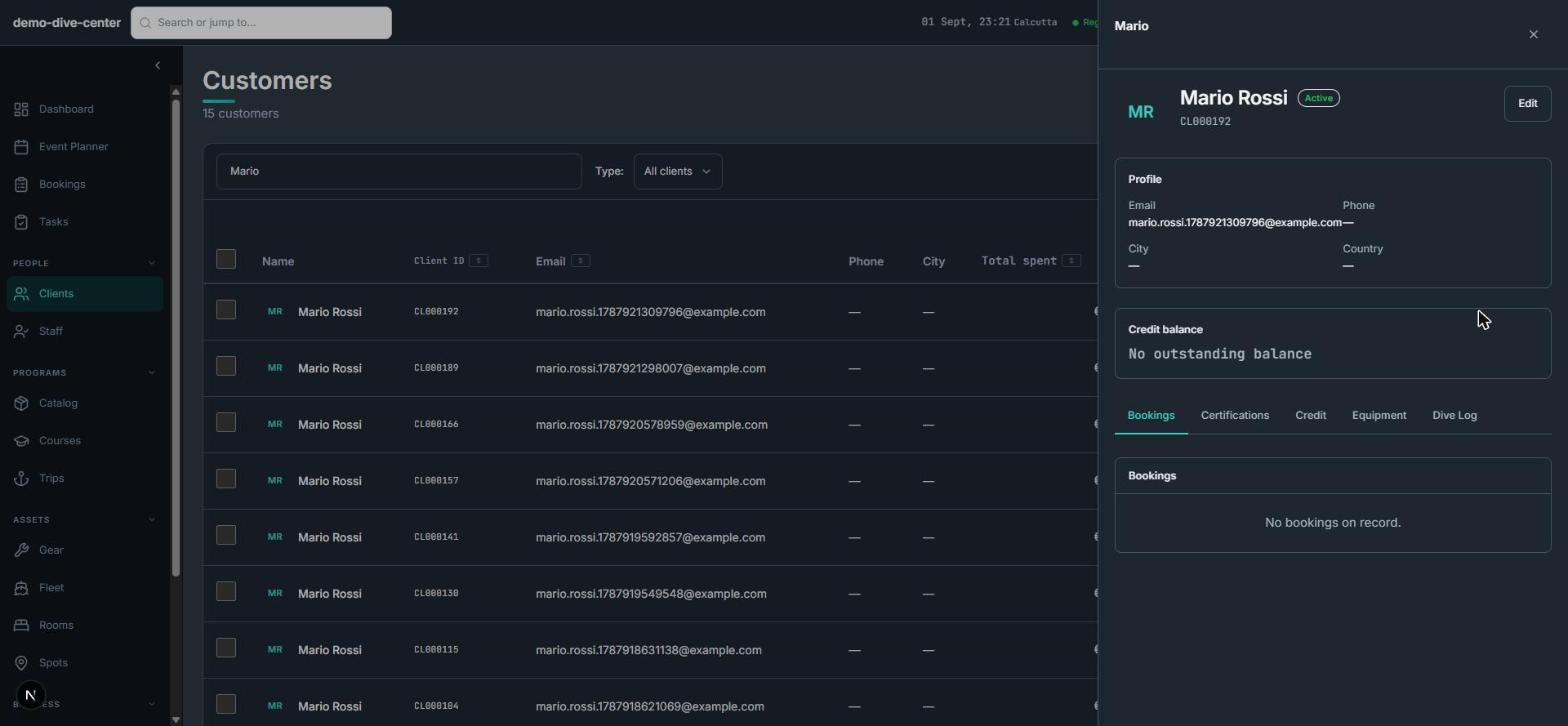
Certifications, waivers, sizing, and dive history live on the diver's profile and travel with every booking, so check-in is a confirmation rather than an interview.
- Certification records with level and the staff member who verified them, from a PADI / SSI / CMAS catalogue
- Per-participant waivers with typed signature, a medical questionnaire, and conditional questions
- Equipment sizing — wetsuit, BCD, fins, mask, shoe, and weight — stored once
- Dive log per diver with site, depth, duration, and automatic dive numbering
- Course tracker with attendance; marking a diver completed creates their certification record
What changes when the operation is connected
Sales while the shop is shut
The widget sells courses and trips overnight into the same sessions your team plans from.
Manifests without re-typing
The dock list is generated from confirmed bookings, with certifications and sizes already on it.
Faster check-in
Waivers, medical answers, and sizes are collected before the diver walks in.
Records that add up
Course completions create certification records, and paid-order changes produce credit notes.
Built around the work
Stop acting as the manual API between your booking engine and your team.
Common Questions
How RidgeHQ handles dive centers edge cases.
Platform capabilities behind this
Run the numbers for your dive centers
Free calculators with the formulas shown, plus how RidgeHQ is priced and how it compares.
See RidgeHQ for dive centers
Book a demo and we'll walk through your real operational workflows — bookings, schedule, resources, and the day close.
Book a demo — Dive Centers
Tell us about your operation and we'll tailor the walkthrough.