
Fill more classes and keep the whole day in sync.
Stop juggling spreadsheets, group chats, and last-minute changes. RidgeHQ brings bookings, tide and swell context, instructor planning, rentals, and payments into one system.
- 0% commission on direct bookings
- Tide and swell context on every session
- Move or reschedule a group in one action
See it on your operation
A short walkthrough of RidgeHQ mapped to how surf schools actually run the day — bookings, schedule, resources, and the close.
Book a DemoTakes about two minutes to request.
The operational reality
Surf timetables move with the tide and the forecast, and most schools re-plan by hand — messaging instructors, chasing wetsuit sizes, rebooking groups one reply at a time. The booking site, the board rack, and the progression sheet never quite agree.
What your day has to balance
- Tide windows and safe swell height for each ability level
- Wetsuit and board sizing matched to student size and skill
- Instructor availability by certification level (for example ISA L1 vs L2) and language
- Rental fleet shared between lessons and walk-in hire
- Multi-day camp blocks that span several sessions
How RidgeHQ helps
Each session carries the tide and swell context for your break next to its roster and board list — so when the forecast turns, you move the group in the planner and email everyone booked on it from the same screen.
From booking to day close:
Book 24/7. A group books a lesson block or camp online, pays a deposit, and answers your experience and health questions.
Confirm on payment. The order confirms once the online payment succeeds; the balance is tracked against the order.
Sign the waiver. Each participant signs the waiver before the first session, attached to their booking.
Assign instructors. Instructors are assigned per session in the planner; overlapping assignments are refused.
Check the forecast. Sessions outside your tide, swell, or wind thresholds are flagged; you move or reschedule them and email the group.
Close the day. Hire and walk-ins settle at the register, and revenue by origin lands in reporting.
Sell lessons, camps, and hire on one availability
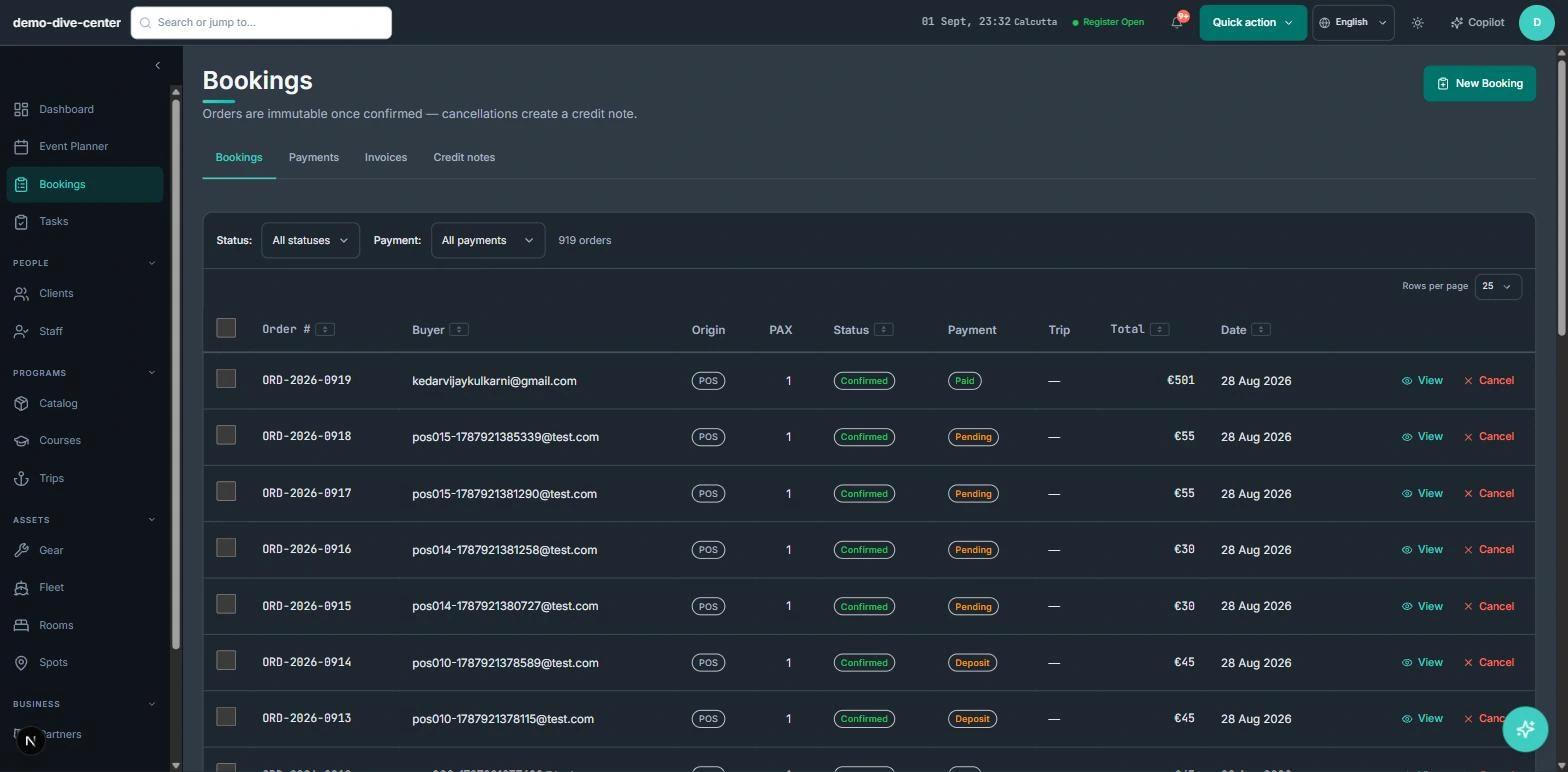
Website bookings, front-desk sales, and multi-day camp packages all write to the same session capacity, so a camp that sells out online is full at the desk the moment it happens.
- Booking widget on your own website with live availability, deposit or full payment, and promo codes
- Front-desk POS for walk-ins, rentals, and retail on one basket, with register open and close
- Agent and partner bookings recorded with their commission for settlement
- 0% platform commission on direct bookings
- Camp products that bundle accommodation and rental components with optional add-ons
Plan around the tide, re-plan in a few clicks
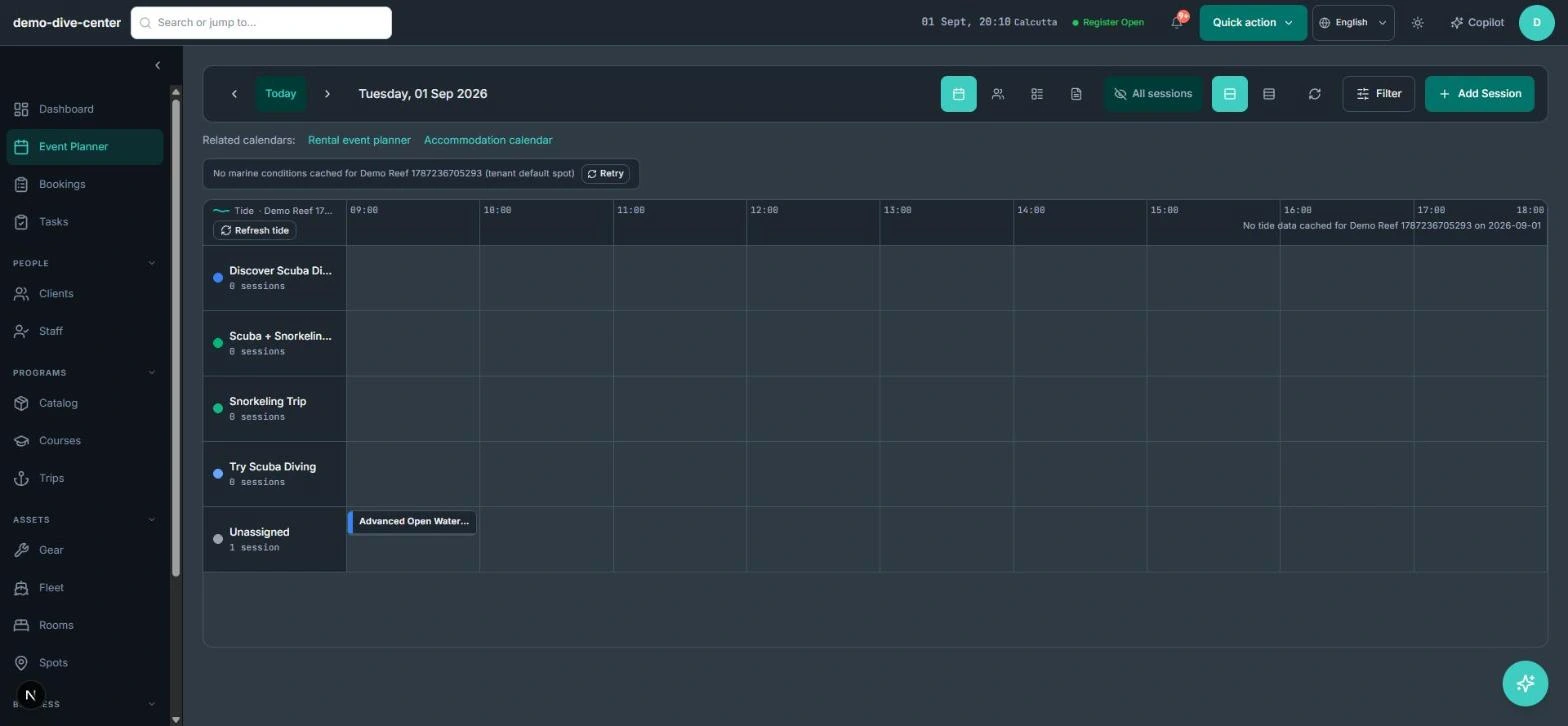
Every session shows the tide and swell forecast for your spot beside the roster. Thresholds you set per activity flag a beginner group when the surf is too big, and the planner lets you move, reschedule, or bulk-update sessions without rebuilding the day.
- Tide, swell height, swell period, and wind context for the session's spot
- Per-activity thresholds so a beginner session is flagged when conditions are outside your limits
- Optionally stop new bookings for a session when the forecast breaches your thresholds
- Move, reschedule, clone, or bulk-update sessions in the weekly planner
- Email every confirmed participant of a session from the planner
Boards, wetsuits, and paperwork that keep up
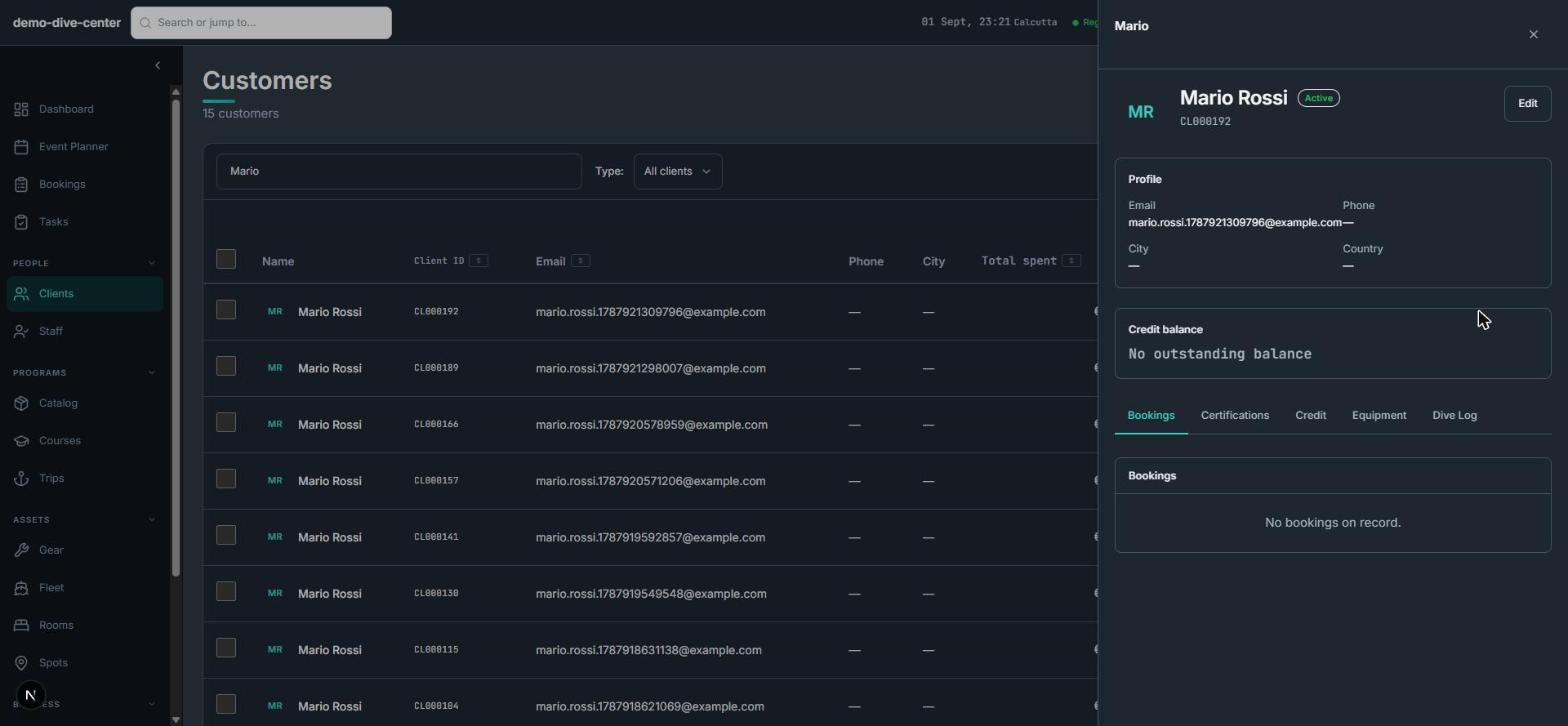
Rental gear is tracked by unit and size, and each customer's sizes are stored on their profile, so the board rack and the booking sheet agree. Waivers and changes to paid orders are handled on the booking itself.
- Boards and wetsuits tracked as units with sizes; availability matched size-for-size
- Equipment sizes stored on the customer profile and reused
- Per-participant waivers with typed signature and conditional health questions
- Products can require a minimum skill level, asked for only where it is required
- Changes to a paid order create a credit note instead of rewriting it
What changes when the operation is connected
Bookings after hours
The widget sells lessons and camps overnight into the same sessions your instructors work from.
Forecast next to the plan
Tide and swell sit beside the session they affect, against thresholds you set.
Kit that matches the booking
Size-matched gear availability means the right board and wetsuit are there.
Enter a booking once
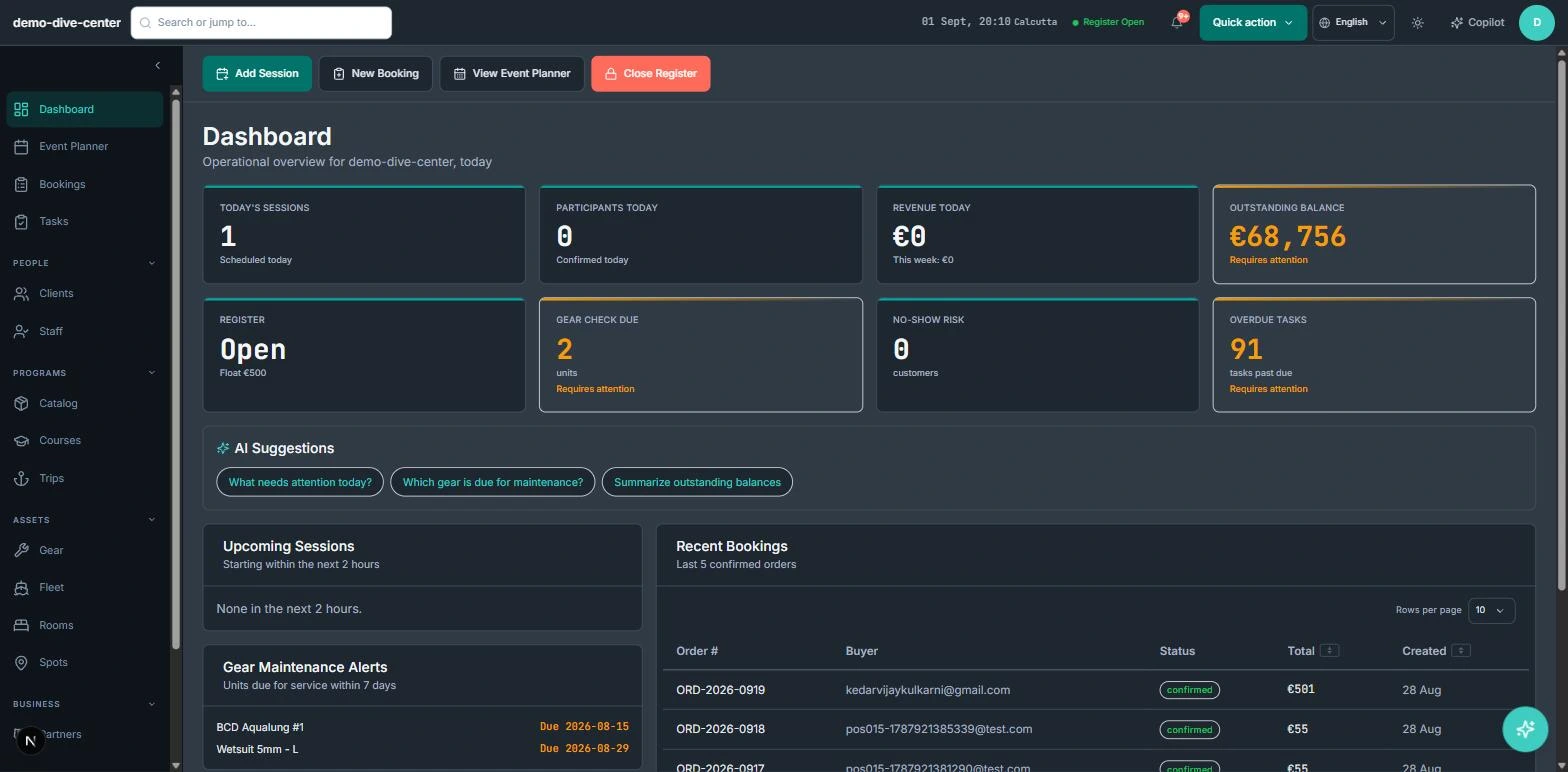
Rosters, waivers, and reporting read from the booking instead of a separate sheet.
Built around the work
Stop acting as the manual API between your booking engine and your team.
Common Questions
How RidgeHQ handles surf schools edge cases.
Platform capabilities behind this
Related operational problems
Run the numbers for your surf schools
Free calculators with the formulas shown, plus how RidgeHQ is priced and how it compares.
See RidgeHQ for surf schools
Book a demo and we'll walk through your real operational workflows — bookings, schedule, resources, and the day close.
Book a demo — Surf Schools
Tell us about your operation and we'll tailor the walkthrough.