
The whole operating day in one planner.
Sessions, instructors, boat trips, participants, and local conditions live on one weekly board — so the plan your team works from is built from real bookings, not copied onto a whiteboard every morning.
- Instructor double-booking blocked at assignment
- Spot-aware weather and tide beside the schedule
- Printable rosters with each participant's certification level
See it on your operation
A short walkthrough of how scheduling & dispatch works in RidgeHQ and connects to the rest of the operational day.
Book a DemoTakes about two minutes to request.
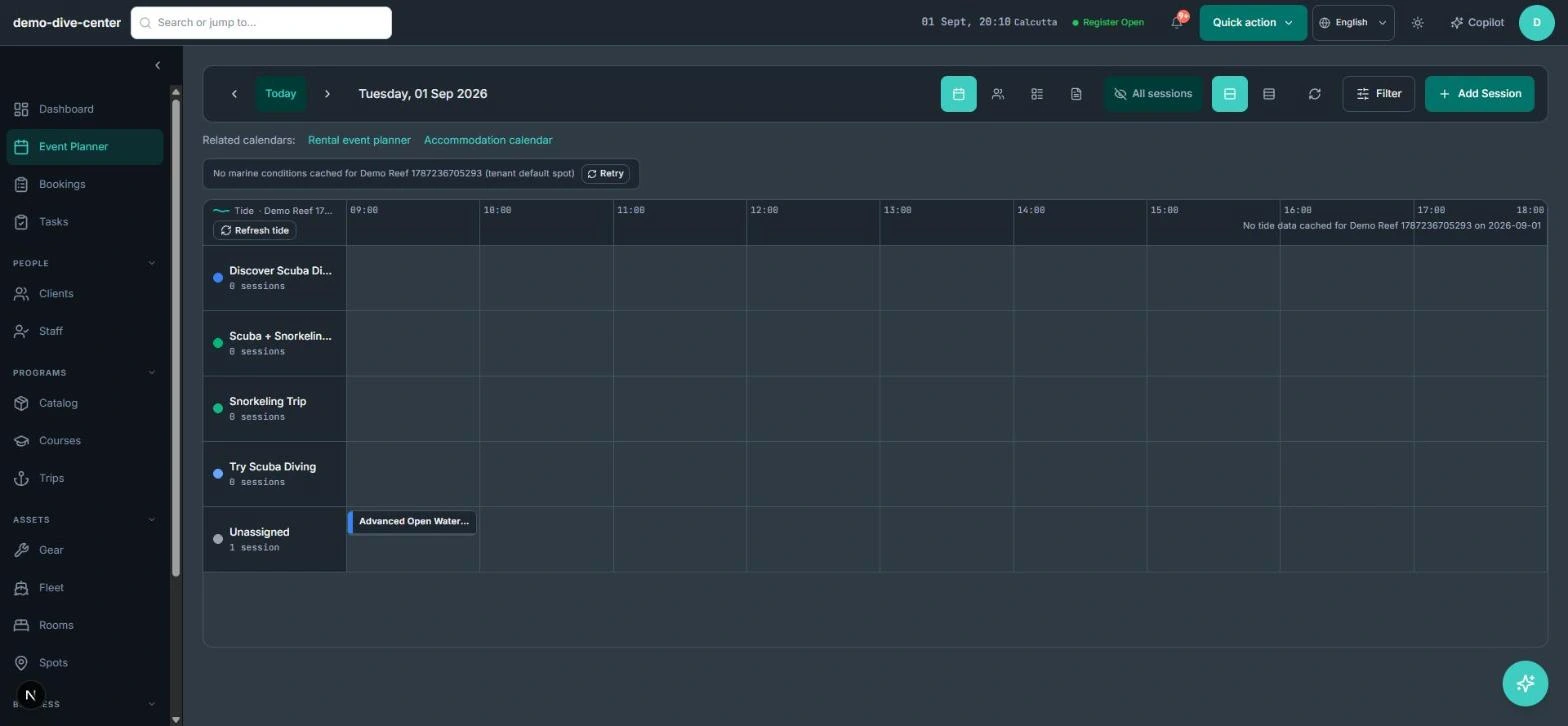
A weekly planner built around how activity days actually run
Most schedules break the moment the day changes: a session moves, a guide calls in, a group grows by two. The planner shows the week by activity, by staff member, or by trip, and every view reads from the same sessions — so a change made in one view is already true in the others.
- Activities, staff, and trip views of the same week
- Create, move, reschedule, duplicate, or cancel a session in place
- Bulk-update or clone a set of sessions instead of rebuilding a recurring week by hand
- New sessions default to your opening hours and catalogue settings
- Locked or cancelled sessions are protected from accidental edits
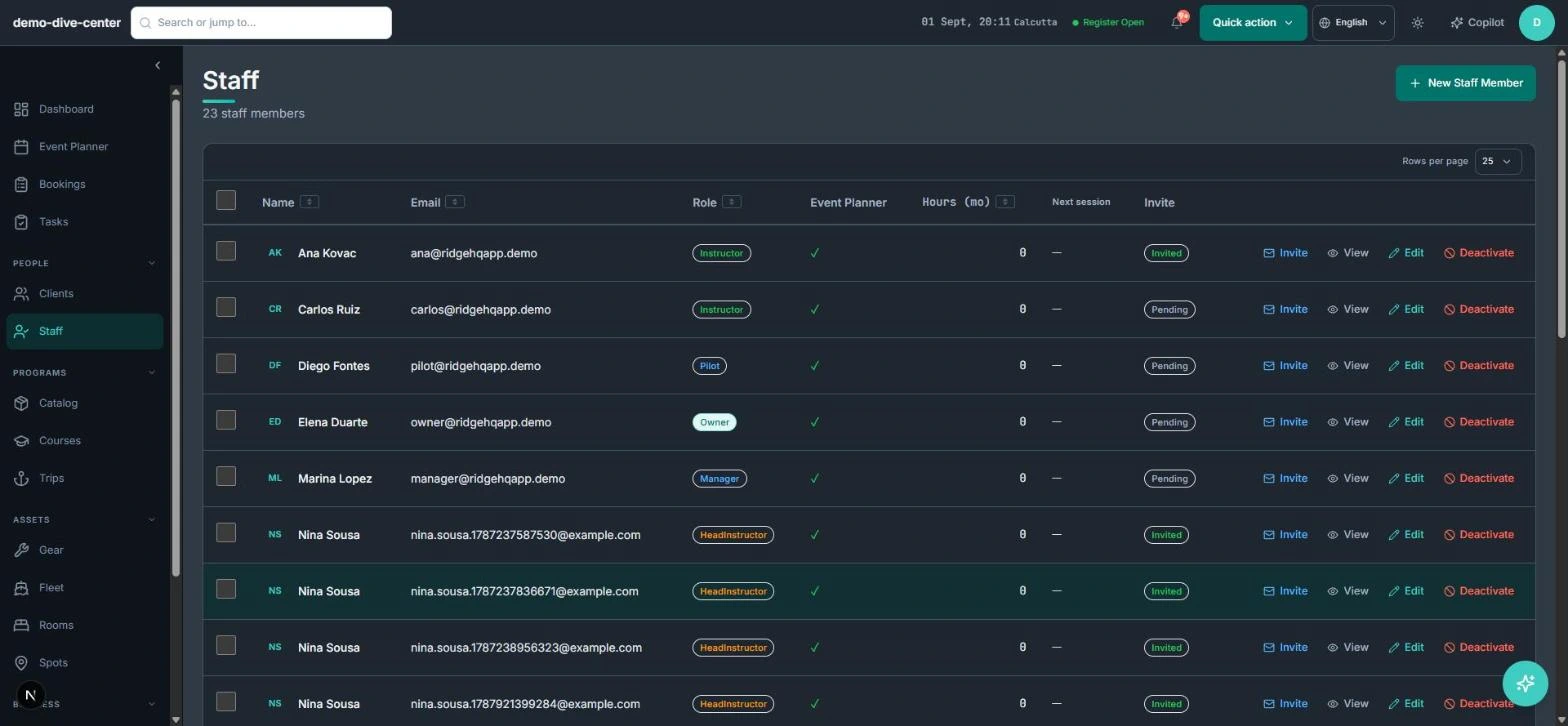
Instructors, participants, and trips that stay consistent
Assigning people is where manual schedules quietly fail. RidgeHQ checks every instructor assignment against that person's other sessions and refuses an overlap, keeps each session's roster equal to what was actually booked, and treats boat or vehicle trips as a group of sessions with their own pilot and destination.
- Overlap check when an instructor is assigned — no silent double-booking
- Assign, unassign, or transfer a participant between sessions
- Trips group sessions, compute capacity from them, and carry a pilot and destination spot
- A pilot can't be put on two overlapping trips
- Recurring trips and one-click trip cloning for regular departures
Conditions and communication next to the plan
For water and mountain operators the schedule is only half the decision; the other half is whether the conditions allow it. Each session shows marine and tide context for its own spot, and you can message everyone booked on a session without exporting a list.
- Wind, wave, swell, water-temperature, and tide context for the session's spot
- Per-activity thresholds that flag sessions when the forecast breaches them
- Optionally stop new bookings for a session when conditions are outside your limits
- Email every confirmed participant of a session from the planner
- Printable session roster with participant certification levels
- A read-only iCal feed of your sessions for calendar apps — no customer data included
How it connects to the rest of the system
Nothing in RidgeHQ works in isolation. Scheduling & Dispatch feeds — and is fed by — every other part of the operational day.
Website, front-desk, and agent bookings land on the session they were made for, so the planner always shows real occupancy.
Instructor and pilot assignments come from your staff list, and each person's hours this month are counted from the sessions they were assigned.
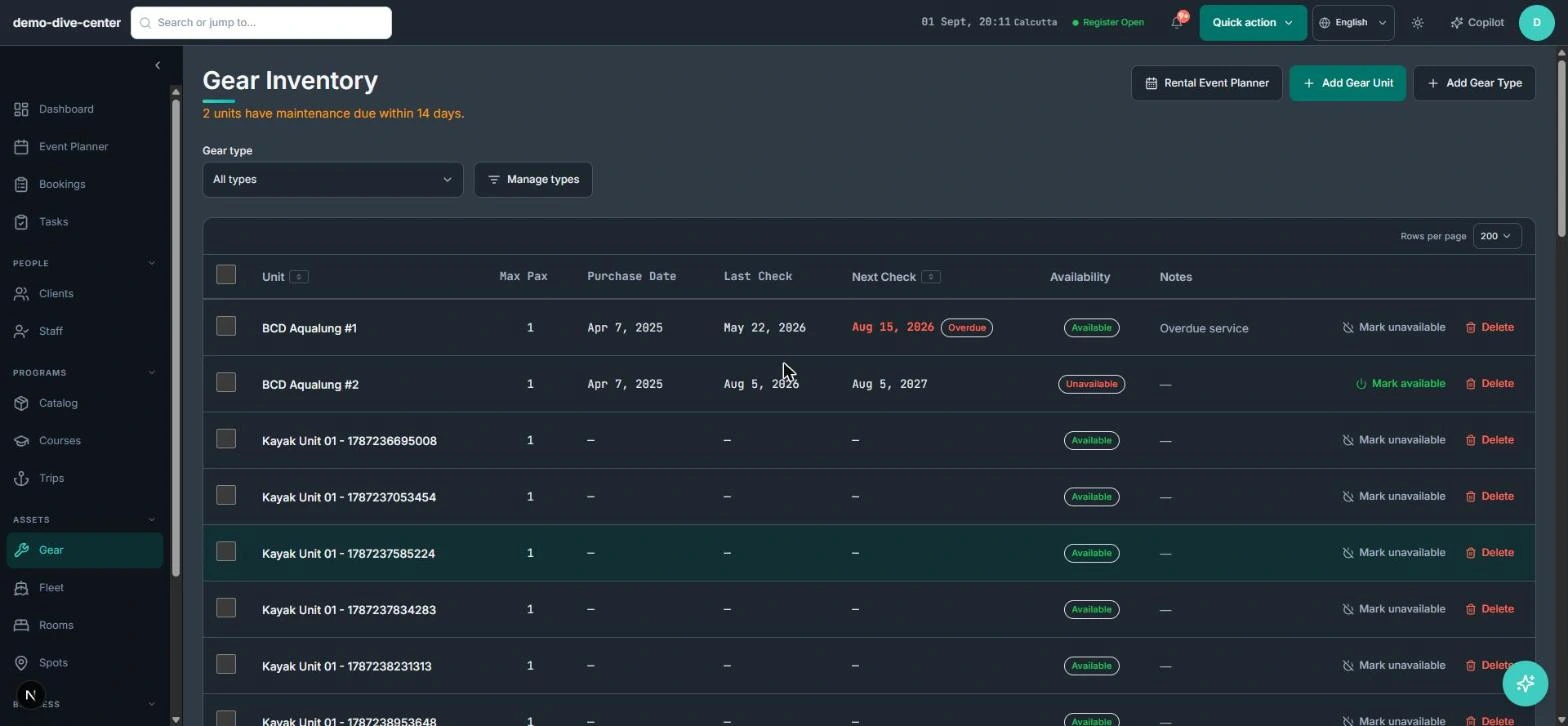
Rental and accommodation calendars sit one click away from the planner, and each trip's gear prep list comes from its participants' gear needs.
Rosters show who is coming, with the certification level and details your team needs at the dock or the door.
What it changes day to day
One plan, everyone on it
The front desk, instructors, and owner read the same week instead of three versions of it.
No double-booked guides
Overlapping instructor and pilot assignments are refused when they are made, not discovered on the day.
Weather decisions with context
Forecast and tide sit beside the session they affect, against thresholds you set per activity.
Less re-keying for recurring weeks
Clone and bulk-edit sessions and trips instead of rebuilding the same schedule every week.
One system for the operational day
Common Questions
Businesses that run on this
See Scheduling & Dispatch in RidgeHQ
Book a demo and we'll walk through your real operational workflows — bookings, schedule, resources, and the day close.
Book a demo — Scheduling & Dispatch
Tell us about your operation and we'll tailor the walkthrough.