
Close the day knowing the numbers are right.
Payments, invoices, credit notes, partner commissions, staff fees, and expenses come from the same orders your team already works with — so the daily close, the P&L, and the commission run all agree with each other.
- Online orders confirm only after the payment succeeds
- Revenue by origin, P&L, and daily close from one ledger
- Partner commissions and staff fees calculated, not re-keyed
See it on your operation
A short walkthrough of how payments & reporting works in RidgeHQ and connects to the rest of the operational day.
Book a DemoTakes about two minutes to request.
Payments that match the bookings
Money and bookings drift apart when they live in different tools. In RidgeHQ, payments are recorded against the order they settle. Online orders are confirmed only once the payment has actually succeeded, so you never chase a seat held by a checkout that never paid.
- Card payments through Stripe, recorded against the order
- Online orders confirm only after a successful payment
- Invoices with the due balance, printable as PDF
- Changes to a paid order produce a credit note instead of rewriting it
- Every figure in your business currency; other currencies reported separately
Reports that answer owner questions
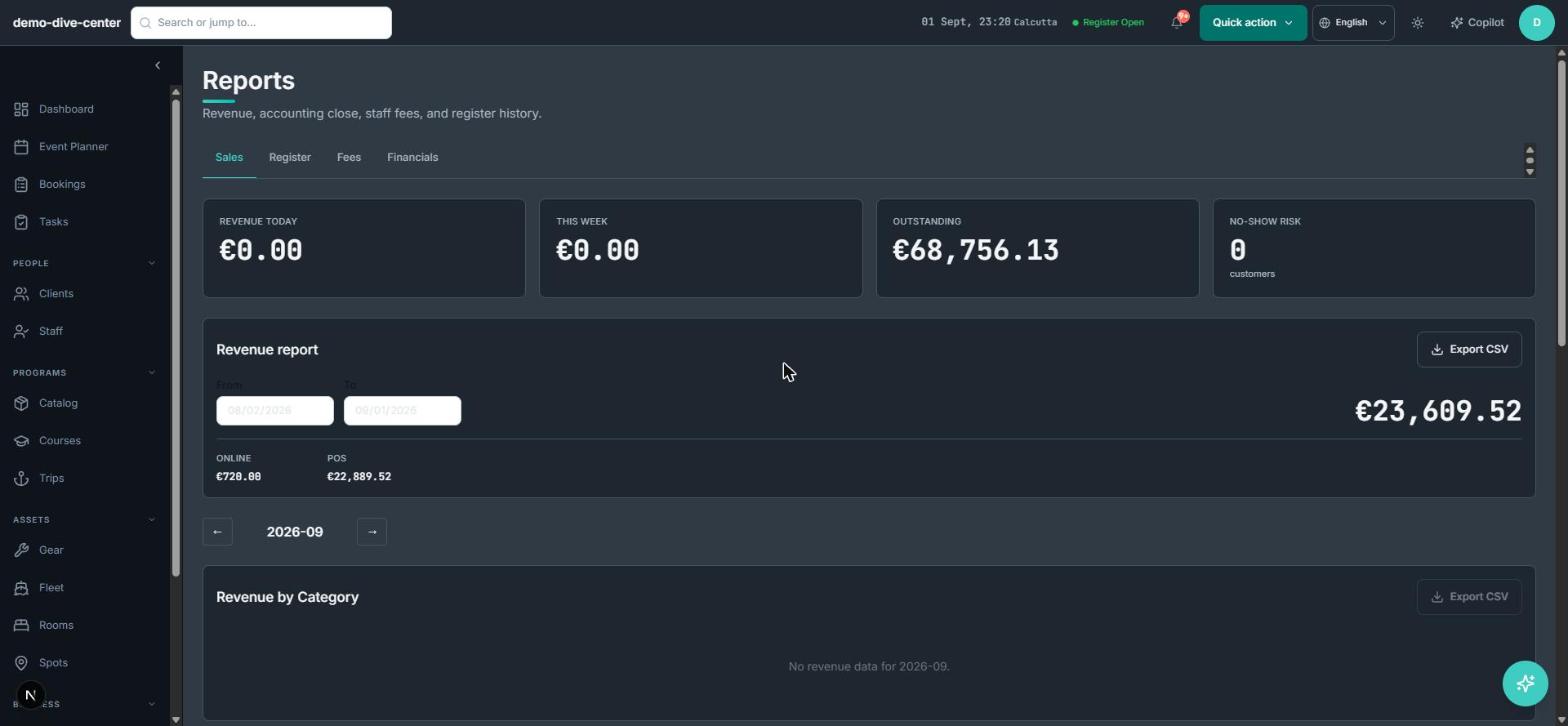
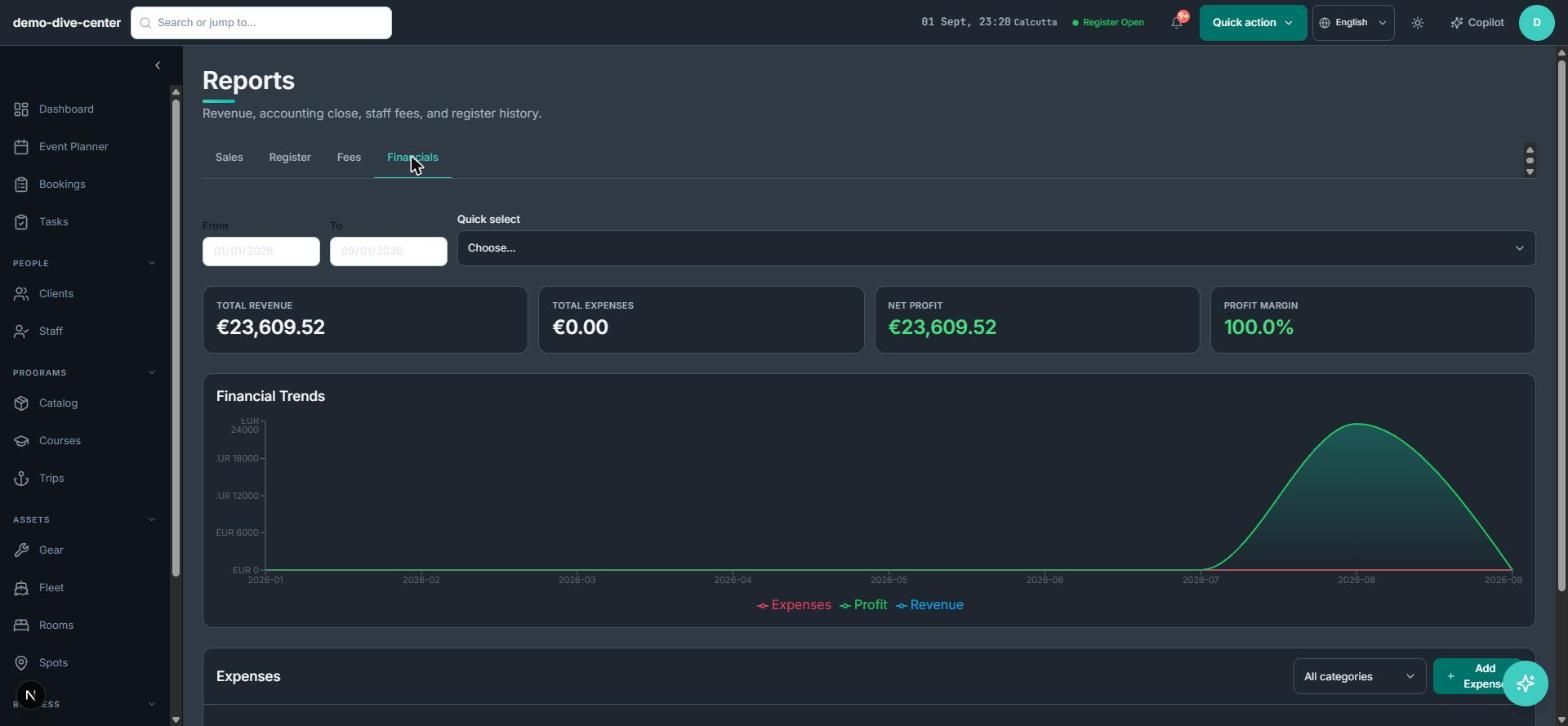
The questions owners actually ask — what did we make, from which channel, and what did it cost — need bookings, payments, and expenses in one place. RidgeHQ reports revenue by date and by origin, runs a daily close, and builds a profit-and-loss view from captured payments and recorded expenses.
- Daily close for each trading day
- Revenue by date range and by origin — direct, partner, or walk-in
- Expense tracking with categories and recurring expenses
- P&L: revenue, expenses, net profit, margin, and a 12-month series
- Operational season statistics — trips, participant-days, returning customers, activity mix, vessel utilisation — with no money figures, safe to share with the team
Commissions and staff fees without a spreadsheet
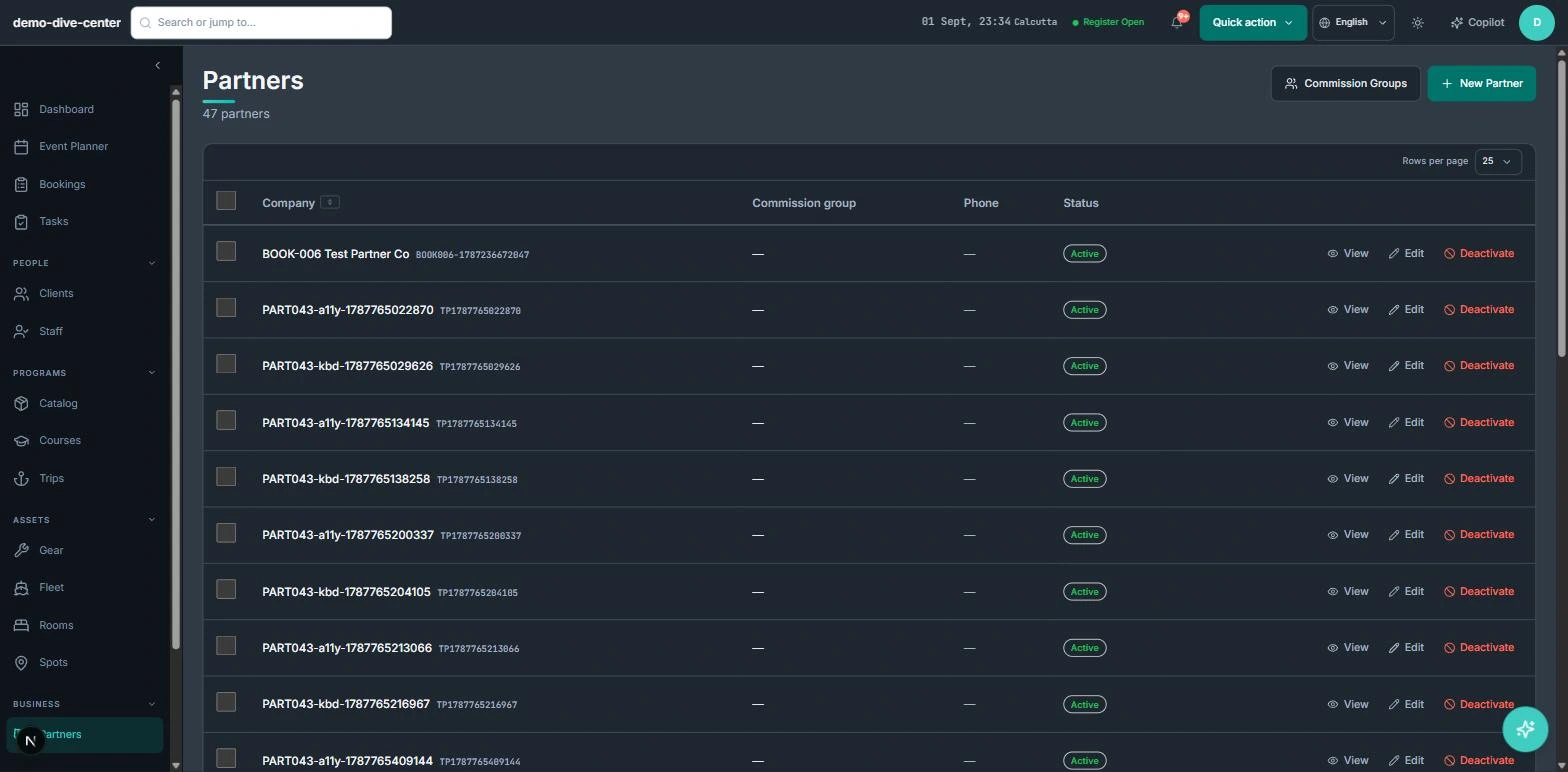
Agents, hotels, and resellers need transparent settlement, and staff need to be paid for what they did. Partner commission rules and staff fee groups are set once; RidgeHQ calculates what is owed from real orders and sessions and produces the statements.
- Partner commission groups and rules per product
- Commission owed calculated per order; partner invoices generated
- Staff fees calculated from assigned sessions, with fee statements as CSV
- Money figures visible only to the roles you allow
How it connects to the rest of the system
Nothing in RidgeHQ works in isolation. Payments & Reporting feeds — and is fed by — every other part of the operational day.
Deposits, balances, register sales, and credit notes come from the same orders the front desk and website create.
Staff fees are calculated from the sessions each person was assigned to.
Operational statistics — trips, participant-days, and utilisation — are drawn from the sessions you ran.
Order history, credit, and returning-customer rates come from the same customer records.
What it changes day to day
Numbers that agree
The daily close, the P&L, and the commission run all read from one ledger.
No ghost bookings
Online orders hold their place only once payment has succeeded.
Settlement without disputes
Partners and staff are paid from calculated, itemised statements.
The right people see the money
Revenue visibility is a role setting, applied everywhere.
One system for the operational day
Common Questions
Businesses that run on this
See Payments & Reporting in RidgeHQ
Book a demo and we'll walk through your real operational workflows — bookings, schedule, resources, and the day close.
Book a demo — Payments & Reporting
Tell us about your operation and we'll tailor the walkthrough.