
Put the right people on the day — and pay them correctly.
Staff accounts, roles, activity assignments, and fee rules live in the same system as the schedule, so who can do what, who is working when, and what each person is owed all come from one record.
- Seven operational roles with server-enforced permissions
- Overlap checks on every instructor assignment
- Fee groups, activity rates, and bonuses calculated from real sessions
See it on your operation
A short walkthrough of how staff coordination works in RidgeHQ and connects to the rest of the operational day.
Book a DemoTakes about two minutes to request.
Roles that match an activity business
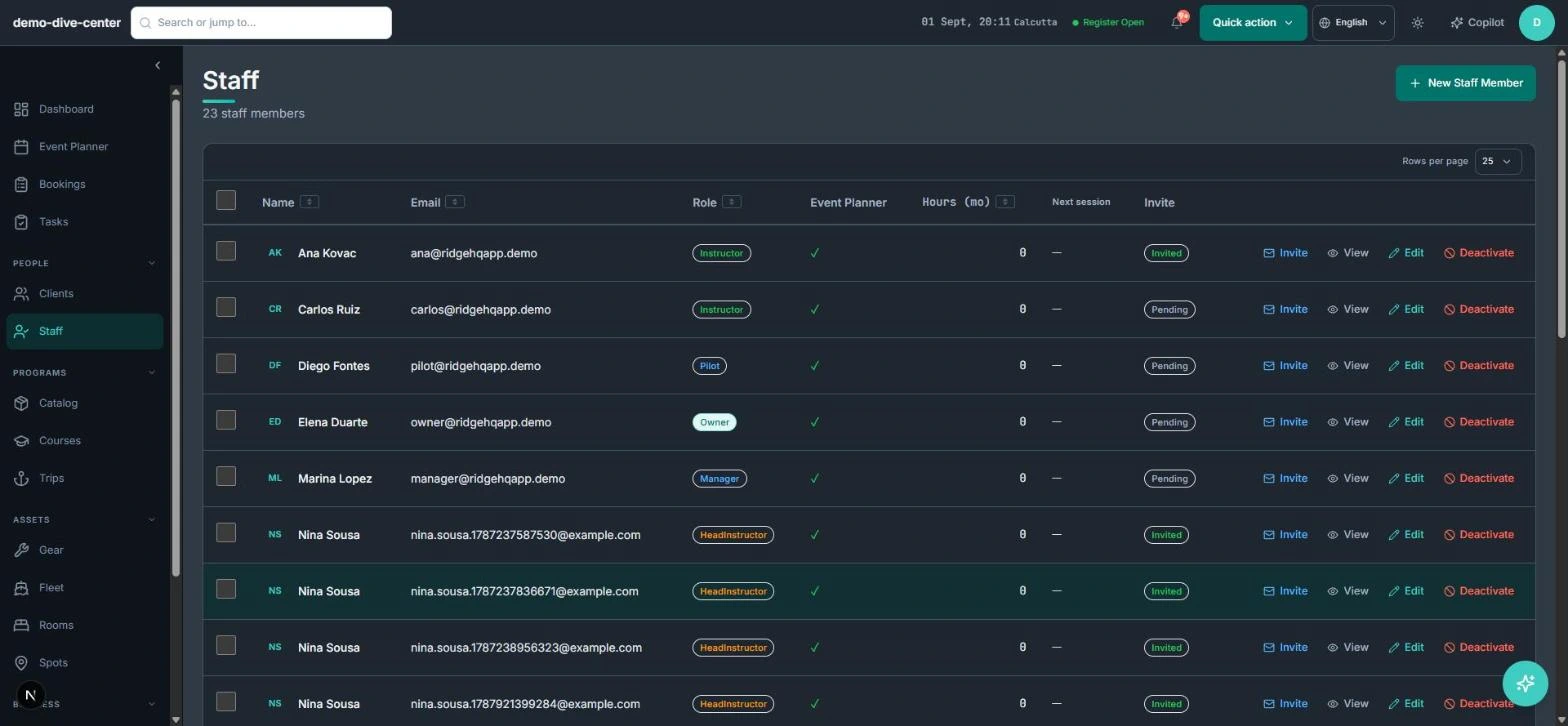
A divemaster, a boat pilot, and a front-desk manager need different access. RidgeHQ ships with Owner, Manager, Head Instructor, Instructor, Assistant, Divemaster, and Pilot roles, and permissions are enforced by the server — hiding a button is never the only thing standing between a role and an action.
- Seven built-in roles: Owner, Manager, Head Instructor, Instructor, Assistant, Divemaster, Pilot
- Permissions checked on the server for every action, including AI Copilot actions
- Money figures shown only to the roles you allow to see revenue
- Login invites for staff, with an audit trail of who changed what
Assignments that respect the rest of the day
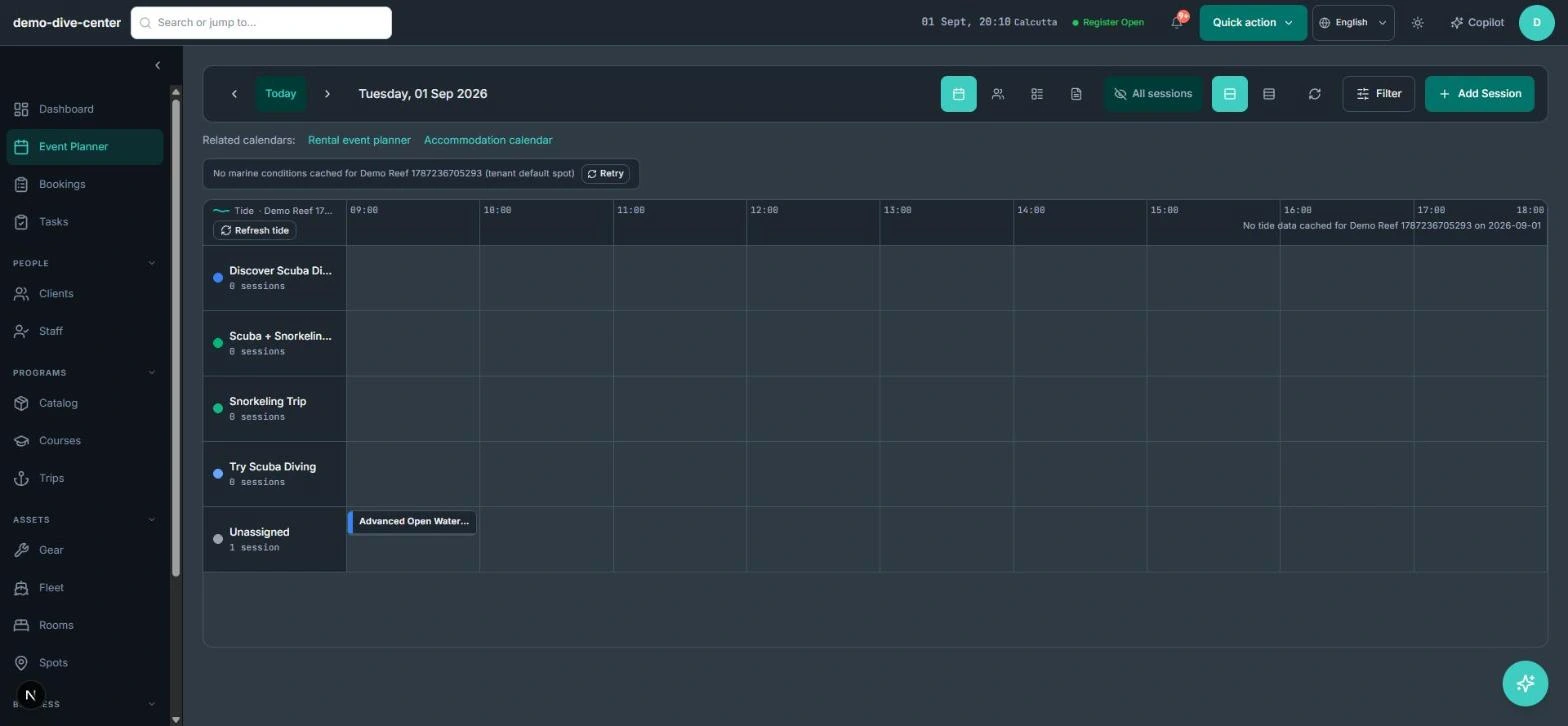
Staff are assigned to the activity calendars they work on and to individual sessions in the planner. Every instructor assignment is checked against that person's other sessions, and pilots are checked against overlapping trips, so the schedule can't quietly put one person in two places.
- Assign each staff member to the activities they run
- Choose who appears in the planner
- Overlapping instructor and pilot assignments are refused
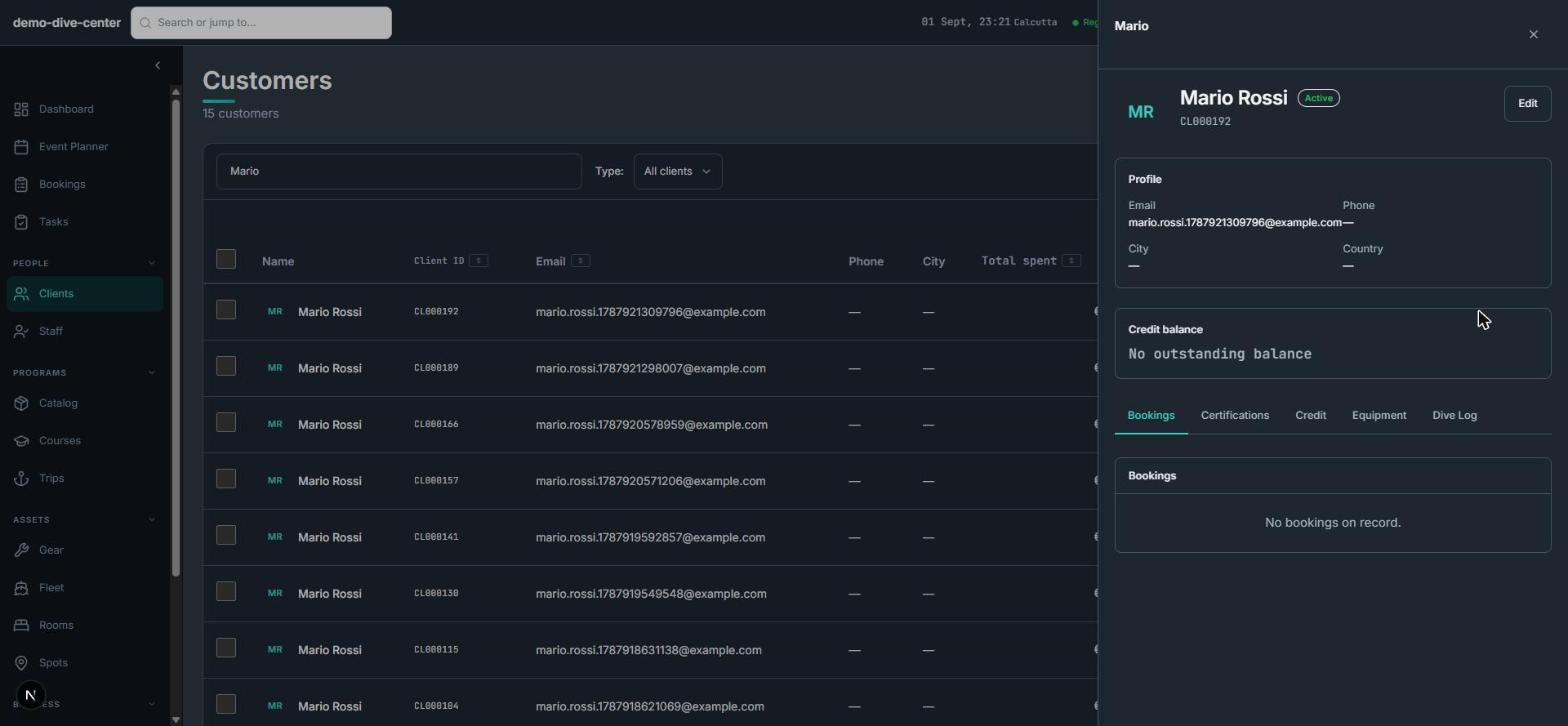
- Each person's hours this month and next session on their profile
- Staff keep their own phone, bio, and languages up to date from a self-service profile
Fees calculated from the work actually done
Paying instructors from a spreadsheet means recounting sessions every month. Fee groups hold each person's rates — per session, per hour, or as a commission per activity — with effective dates, plus optional bonuses. Fees are calculated from the sessions staff were actually assigned to, with a note wherever a rate is missing.
- Fee groups with per-session, per-hour, and commission rates per activity
- Rate cards with effective-from and effective-to dates
- Per-hour or per-session bonus options on top of the base rate
- Calculated fees flag missing rates instead of silently paying zero
- Fee statements by date range, downloadable as CSV, with paid status
How it connects to the rest of the system
Nothing in RidgeHQ works in isolation. Staff Coordination feeds — and is fed by — every other part of the operational day.
Staff are assigned to sessions and trips in the planner, where overlaps are checked.
Staff fees are calculated from assigned sessions and appear in fee statements alongside your other costs.
Boat and vehicle crew are assigned from your staff list.
The Copilot acts with the permissions of the person using it, so it can't do what that person's role can't.
What it changes day to day
Clear responsibility
Every role sees and does what it should — enforced by the system, not by trust.
No one in two places
Overlapping assignments are caught at the moment they are made.
Payroll without recounting
Fees are calculated from real sessions, with gaps flagged before you pay.
Fewer "what's my schedule?" messages
Staff see their next session and hours on their own profile.
One system for the operational day
Common Questions
Related operational problems
Businesses that run on this
See Staff Coordination in RidgeHQ
Book a demo and we'll walk through your real operational workflows — bookings, schedule, resources, and the day close.
Book a demo — Staff Coordination
Tell us about your operation and we'll tailor the walkthrough.