
Handle peak season from the first call to the last run.
Generic tools do not handle ski and snowboard lessons, multi-day courses, meeting points, and constant last-minute changes. RidgeHQ brings bookings, scheduling, payments, and admin into one flow.
- 0% commission on direct bookings
- Student level on every roster
- Built for the morning desk rush
See it on your operation
A short walkthrough of RidgeHQ mapped to how ski schools actually run the day — bookings, schedule, resources, and the close.
Book a DemoTakes about two minutes to request.
The operational reality
Ski school demand arrives in a wall at 8:45 a.m.: families wanting privates and group classes at different levels, in different languages, all for the same slot. Matching every booking to the right instructor by hand, at that speed, is where the mistakes happen.
What your day has to balance
- Instructor certification levels (beginner, all-mountain, off-piste)
- Instructor and session language
- Separate morning and afternoon scheduling blocks
- Group class size and ratio limits
- Student ability level captured before assignment
How RidgeHQ helps
Lessons, multi-day courses, and desk sales share one planner — products can require a minimum level, the roster shows each student's level, and an instructor can't be assigned to two sessions at once.
From booking to day close:
Book ahead. Families book lessons online with each child's level where the class requires it.
Sell the rush. Walk-ins buy privates and group places at the desk against the same sessions.
Assign instructors. Instructors are assigned per session; overlaps are refused.
Hand out rosters. Each instructor's roster shows their students and levels.
Track the course. Attendance is tracked across a multi-day course and completion is recorded.
Close and pay. The register closes and instructor fees are calculated from the sessions taught.
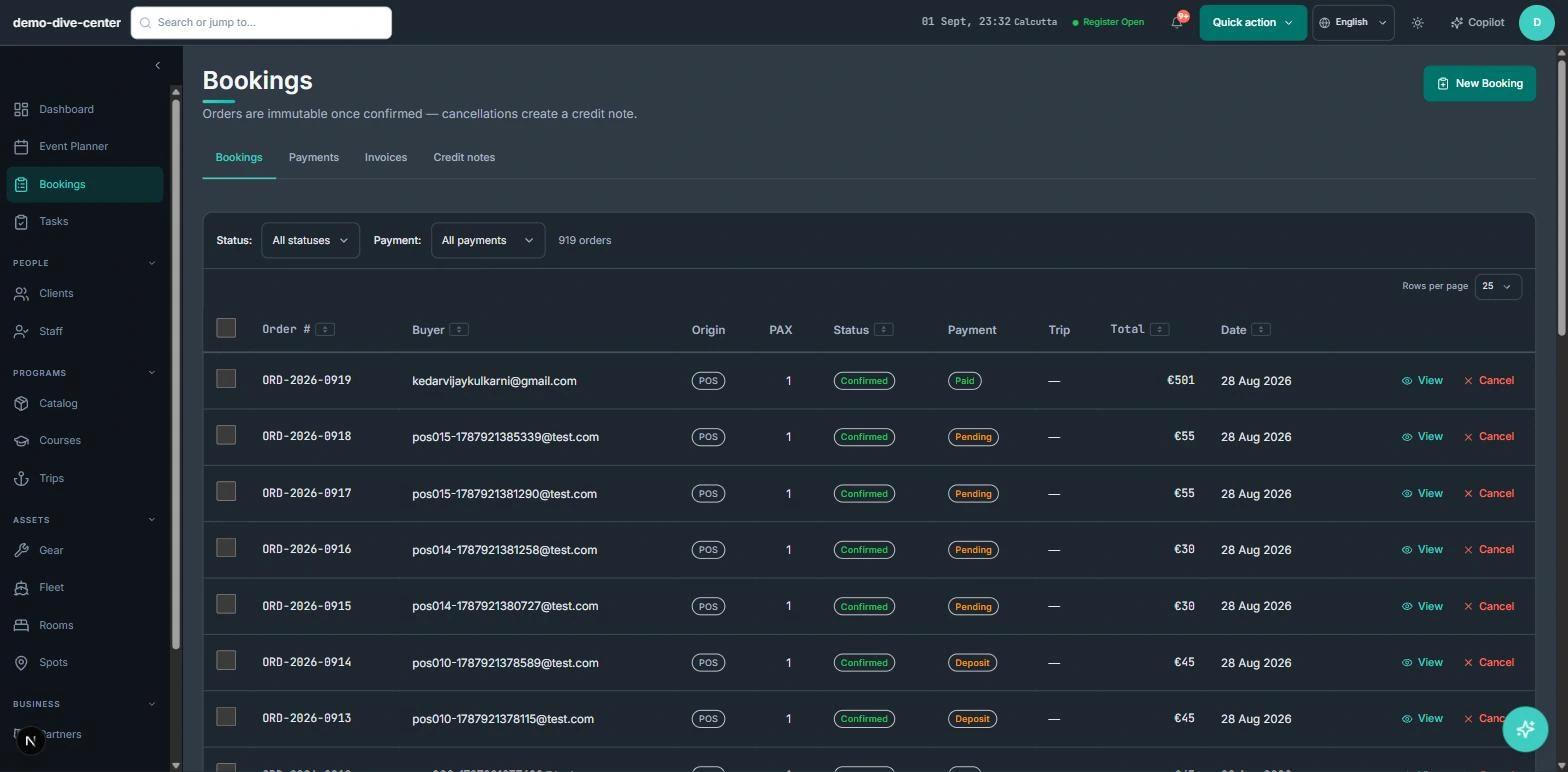
Desk and online sales on one availability
Demand arrives in a wall each morning. When online bookings and desk sales write to the same sessions, the desk never sells a place the website already sold.
- Booking widget on your own website with live availability, deposit or full payment, and promo codes
- Front-desk POS for walk-ins, rentals, and retail on one basket, with register open and close
- Agent and partner bookings recorded with their commission for settlement
- 0% platform commission on direct bookings
- Seasons in the catalogue for the winter calendar
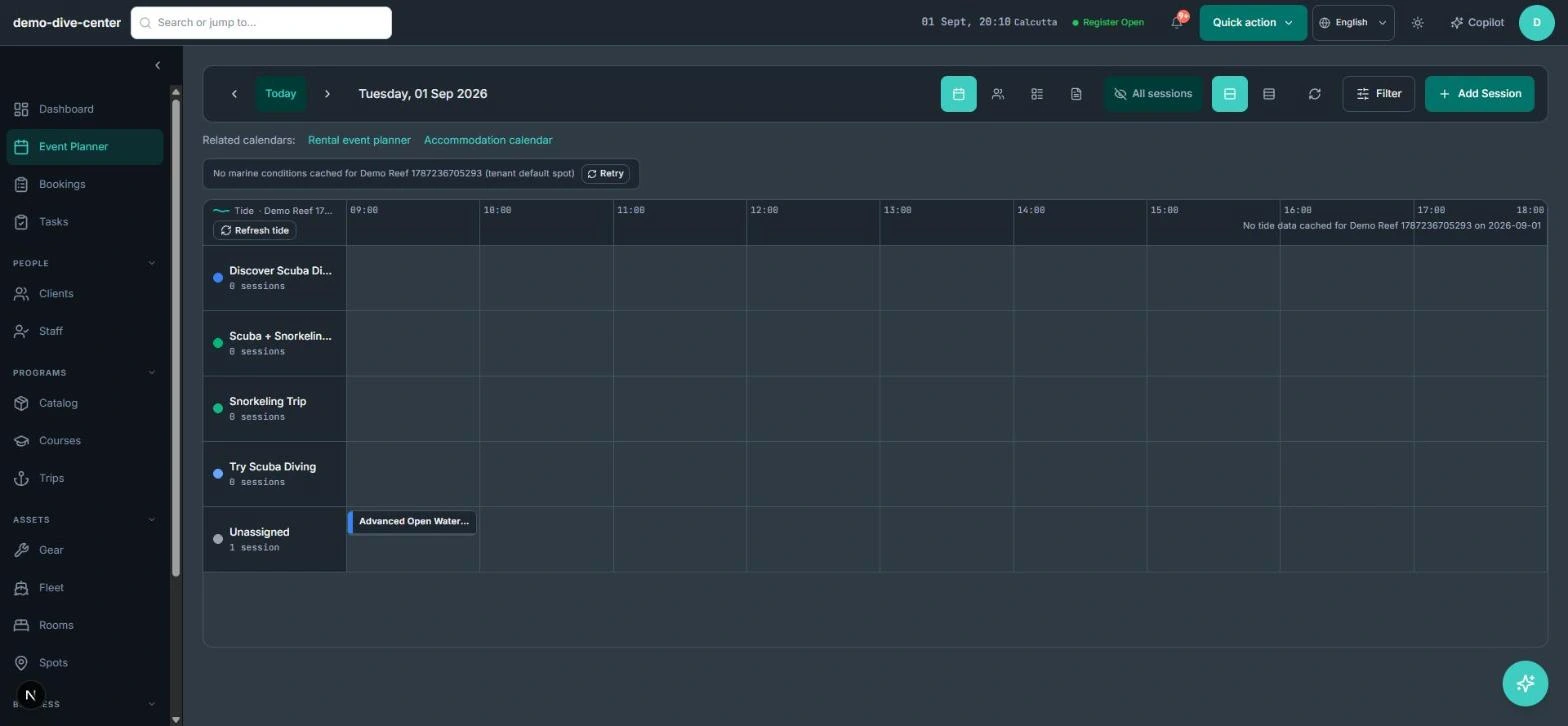
Levels on the roster, not in someone's head
Placing the right student in the right group needs their level at hand. Products can require a minimum level; the booking form asks for it only where it matters, and every session roster shows each student's level.
- Skill-level requirements on lesson products
- Level asked at booking only where required, online and at the desk
- Printable session rosters with student levels
- Courses with attendance tracking and completion records
- Staff profiles carry the languages each instructor speaks
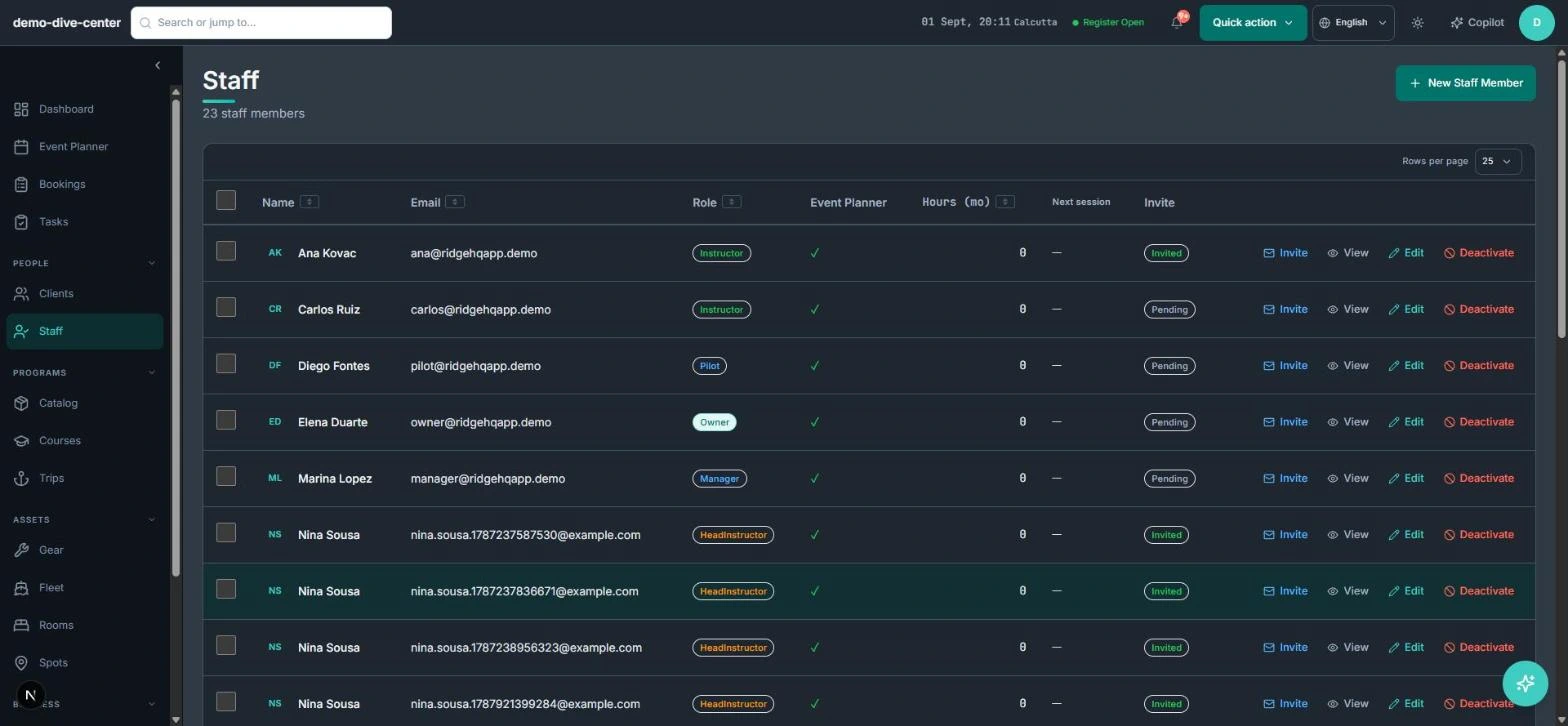
Instructors and multi-day courses without clashes
Multi-day courses tie an instructor to the same group for several days. The planner shows the week by activity or by instructor, clones a week forward, and refuses an assignment that overlaps another session.
- Weekly planner by activity or by instructor
- Overlap checks on every instructor assignment
- Clone or bulk-update sessions for recurring weeks
- Instructor fees calculated from assigned sessions
- Per-participant waivers with typed signature and conditional questions
What changes when the operation is connected
A calmer 8:45
Desk and online sales draw from the same sessions.
Levels at hand
Every roster shows each student's level.
No double-booked instructors
Overlapping assignments are refused.
Fees from real sessions
Instructor pay is calculated from what they taught.
Built around the work
Stop acting as the manual API between your booking engine and your team.
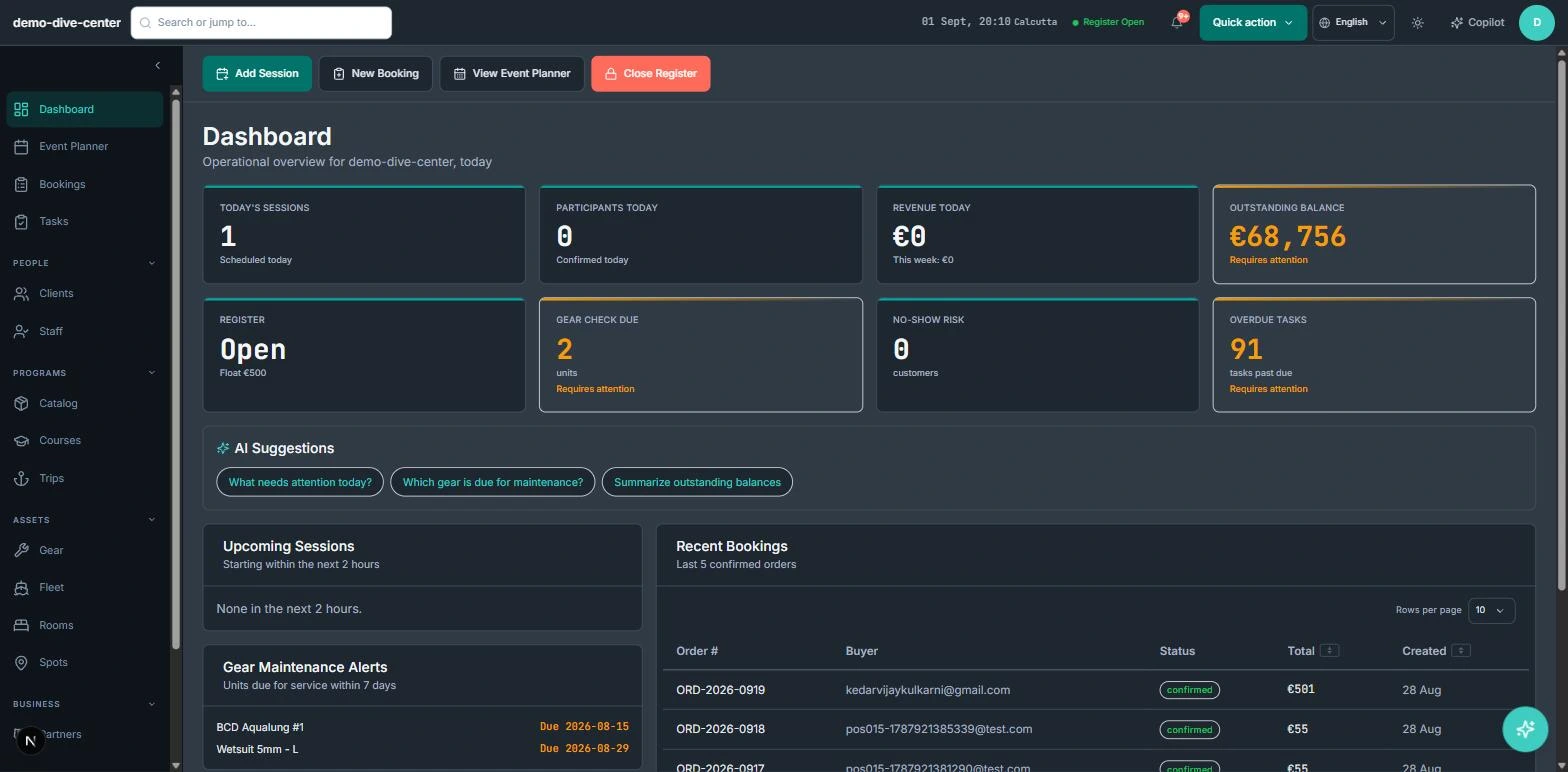
Common Questions
How RidgeHQ handles ski schools edge cases.
Platform capabilities behind this
Related operational problems
Run the numbers for your ski schools
Free calculators with the formulas shown, plus how RidgeHQ is priced and how it compares.
See RidgeHQ for ski schools
Book a demo and we'll walk through your real operational workflows — bookings, schedule, resources, and the day close.
Book a demo — Ski Schools
Tell us about your operation and we'll tailor the walkthrough.