
Per-participant digital waivers, built into the booking.
Every participant signs their own waiver, with a typed e-signature and questions that adapt to the activity and the person. It is attached to the booking from the moment it is made — not a metered add-on you bolt on later.
- Built in, not a paid add-on
- One waiver per participant, not per booking
- Signed records tied to the booking and the profile
See it on your operation
A short walkthrough of how Waiver App works in RidgeHQ and connects to the rest of the operational day.
Book a DemoTakes about two minutes to request.
Requirements that match the activity
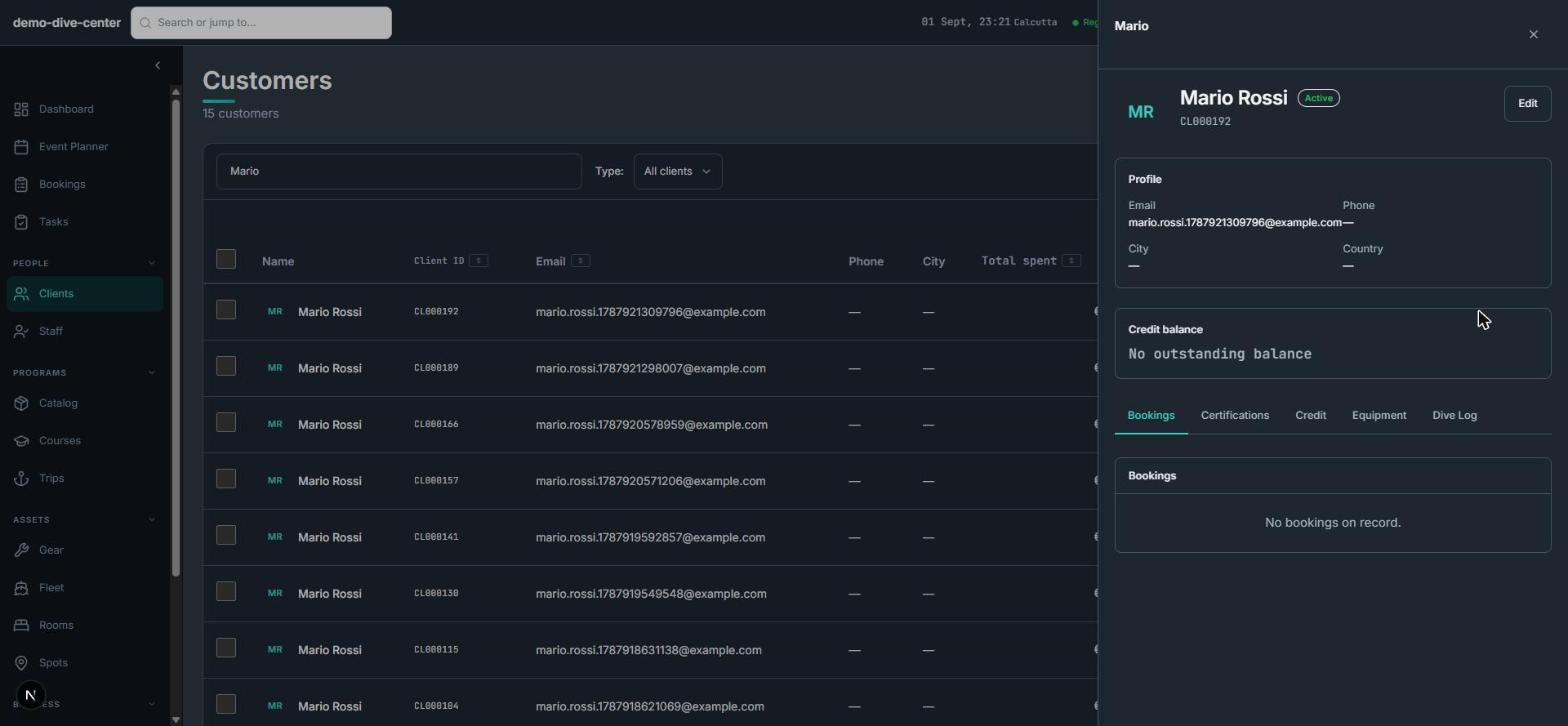
Define which waiver a product needs and what it has to collect. The form adapts to the activity and the participant instead of being one static PDF for everyone.
- Waiver requirements set per product and captured per participant at booking
- Conditional questions that show or hide based on earlier answers — medical, experience, age
- Question types with their own options, including a separate medical questionnaire
- Separate templates for different services — a lesson, a rental, a guided trip
Signed before check-in, on any device
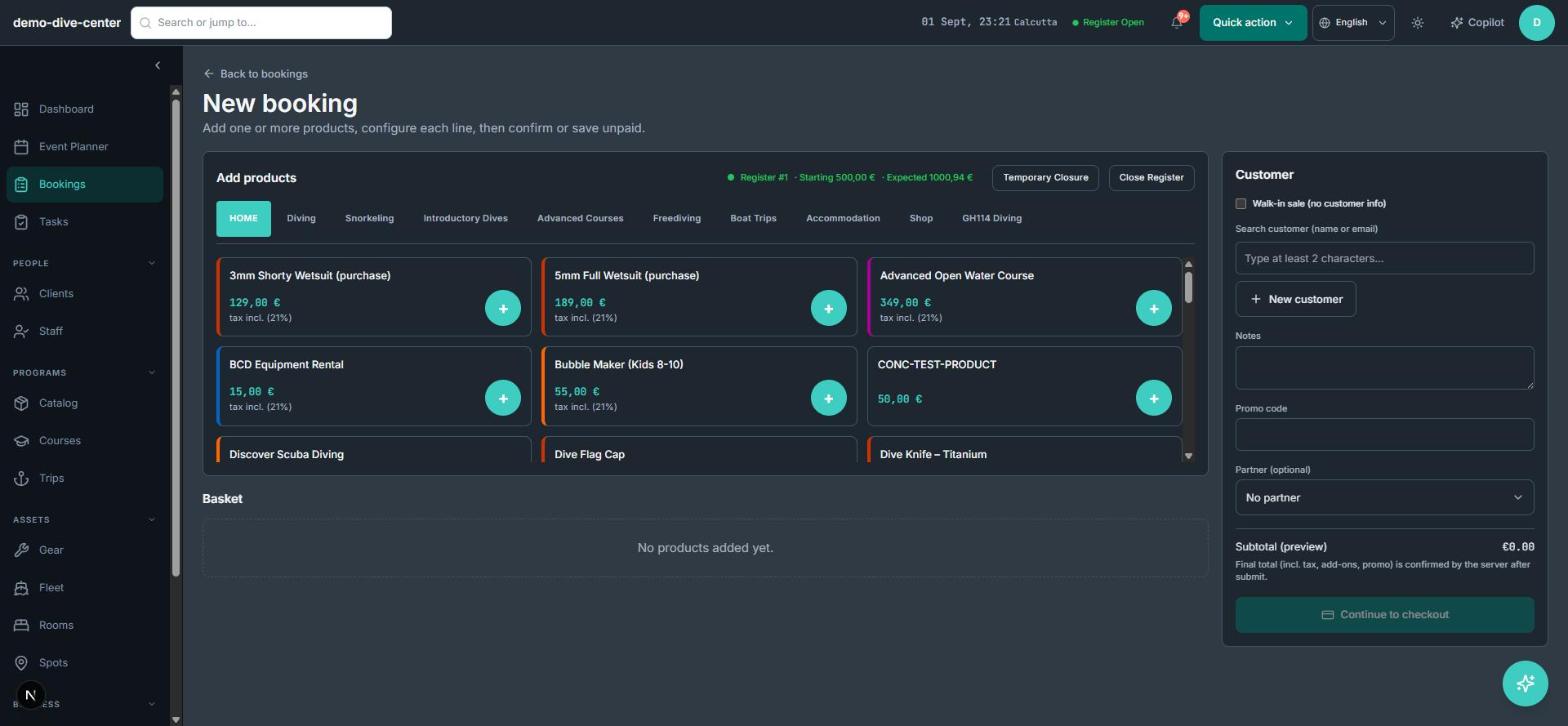
Send the waiver with the booking confirmation and let participants complete it ahead of arrival, on a phone, tablet, or laptop.
- Typed e-signature captured per participant
- Signed as part of checkout, online or at the desk
- Waiver and medical status per participant visible on the booking
- Templates edited or deactivated by managers, never silently deleted
One record, easy to find later
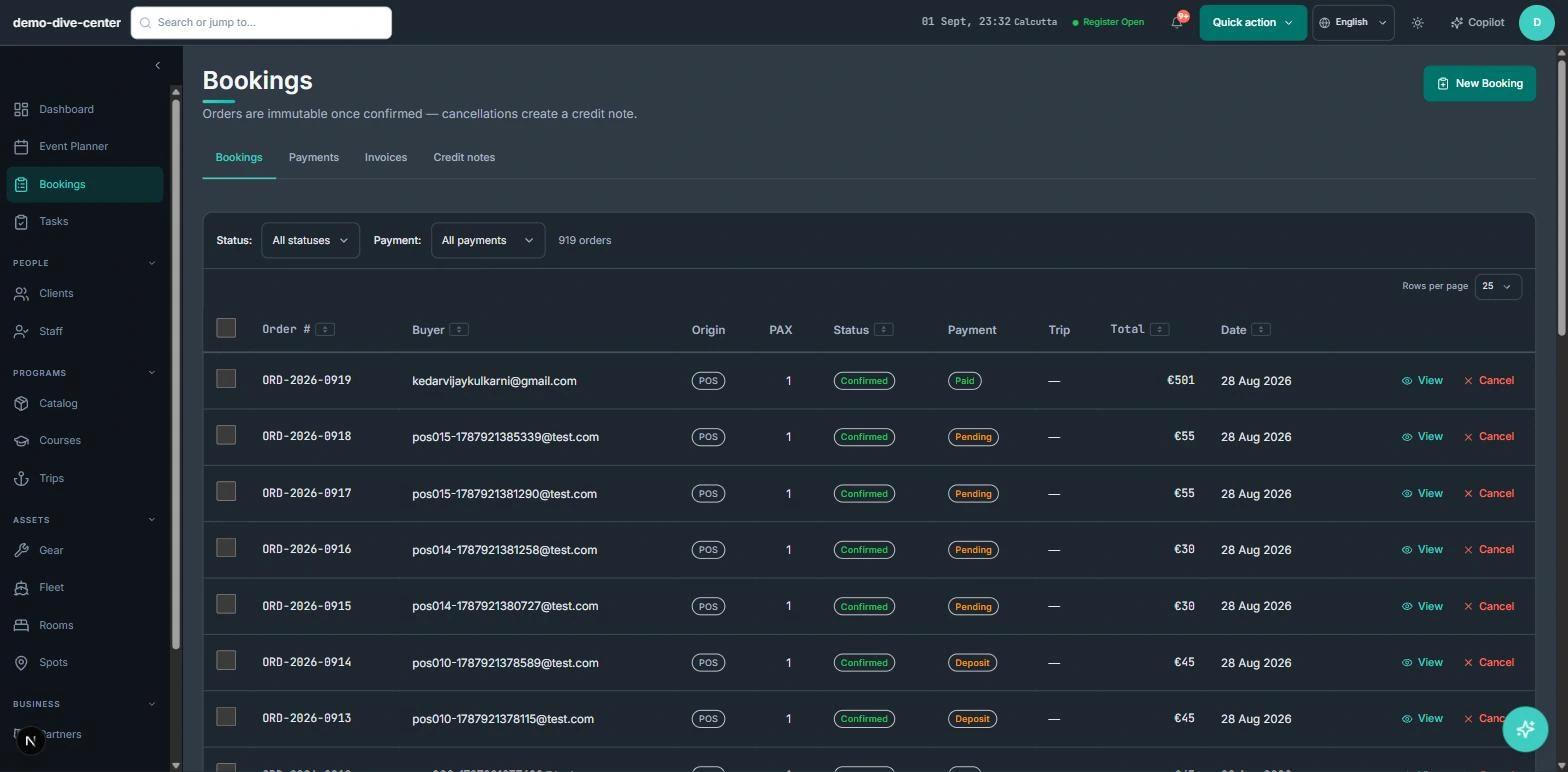
Every signed waiver stays on the booking and the customer profile, so nothing is re-asked and nothing is lost.
- Signed waivers linked to the booking and the participant's profile
- Answers stored with each signature, per question
- Each signature tied to the booking it was given for
- Row-level tenant isolation so only your team sees your records
How it connects to the rest of the system
Nothing in RidgeHQ works in isolation. Waiver App feeds — and is fed by — every other part of the operational day.
A booking carries its per-participant waiver requirement from the moment it is made.
Signed waivers and health answers live on the participant record across visits.
The day plan shows which participants are waiver-complete before a session runs.
What it changes day to day
No paper at the counter
Participants sign ahead of time on their own device.
Fewer missing details
Validation and conditional questions mean the medical and experience information is actually there.
It is included
Per-participant waivers are part of the platform, not a per-signature charge.
Records you can produce
Every signed waiver is searchable and exportable, tied to the booking.
One system for the operational day
Common Questions
See Waiver App in RidgeHQ
Book a demo and we'll walk through your real operational workflows — bookings, schedule, resources, and the day close.
Book a demo — Waiver App
Tell us about your operation and we'll tailor the conversation.