
Know what you can actually hand out — and what's due back.
Rental gear down to unit and size, boats and vehicles with their inspections and paperwork, and rooms with their bookings: one view of the physical side of the operation, so nothing is promised that isn't available.
- Availability tracked by unit and by size
- Maintenance records that take gear out of service automatically
- Licence, insurance, and inspection alerts for boats and vehicles
See it on your operation
A short walkthrough of how gear & fleet management works in RidgeHQ and connects to the rest of the operational day.
Book a DemoTakes about two minutes to request.
Rental gear by unit, size, and week
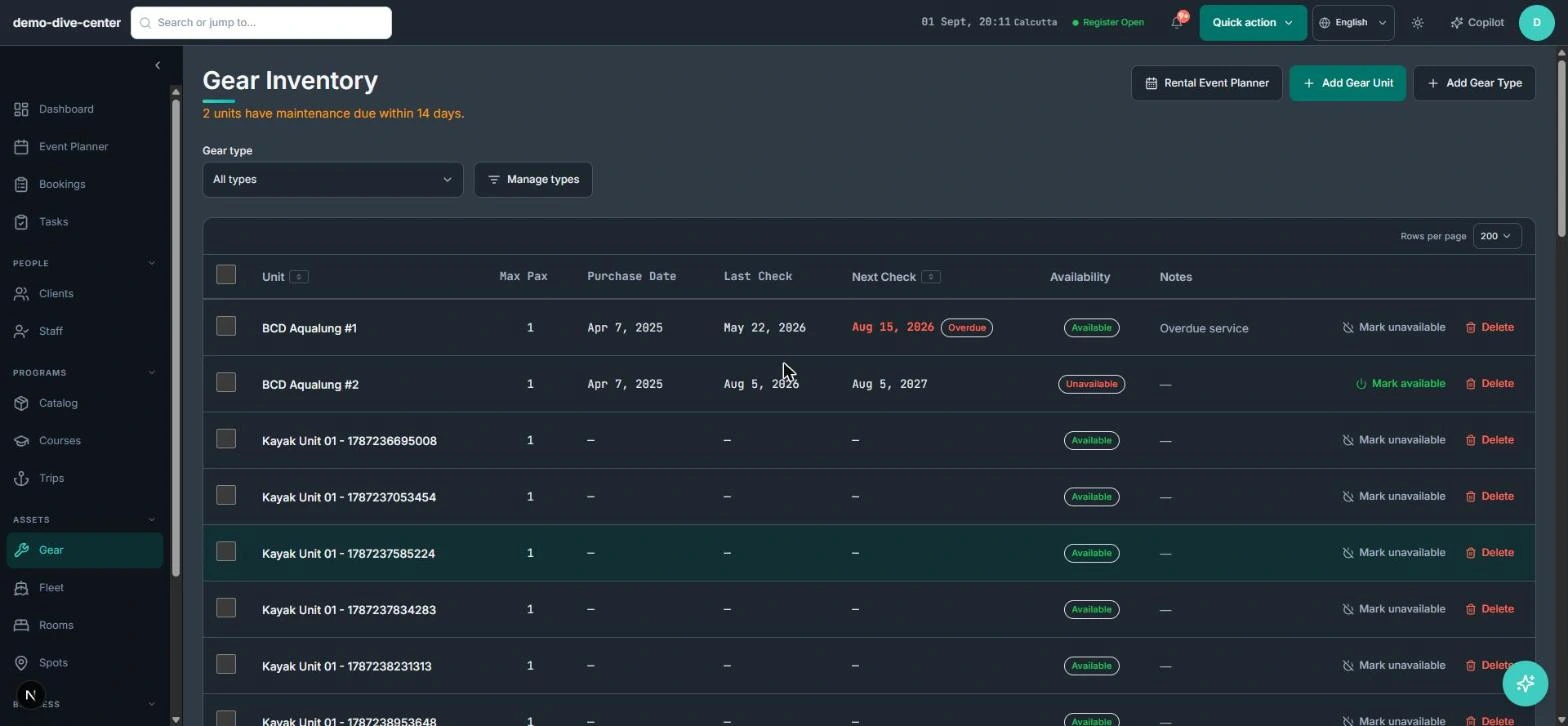
"We have twelve wetsuits" is not the same as "we have a medium free on Saturday". RidgeHQ tracks each gear type as individual units with an optional size, so availability is checked against the size a customer actually needs, and a weekly rental planner shows what is out, booked, or blocked.
- Gear types and individual units, each with an optional size (S, M, L, 10.5 …)
- Size-matched availability instead of a single headcount per type
- Rental, maintenance, and unavailable windows on a weekly planner by unit
- Per-customer gear needs — renting, bringing their own, or stored with you — recorded on the profile
Maintenance that changes availability, not just a spreadsheet
Gear that is out for service is the most common cause of a morning scramble. Taking a unit out of service creates a maintenance record and removes it from availability immediately; returning it restores availability without anyone remembering to flip a switch.
- Maintenance records with type, vendor, location, out-since, and expected return
- Overdue returns flagged by one consistent rule
- Active and history views, filterable by gear type
- CSV export of the maintenance register for your records or your insurer
Boats, vehicles, and rooms with their obligations
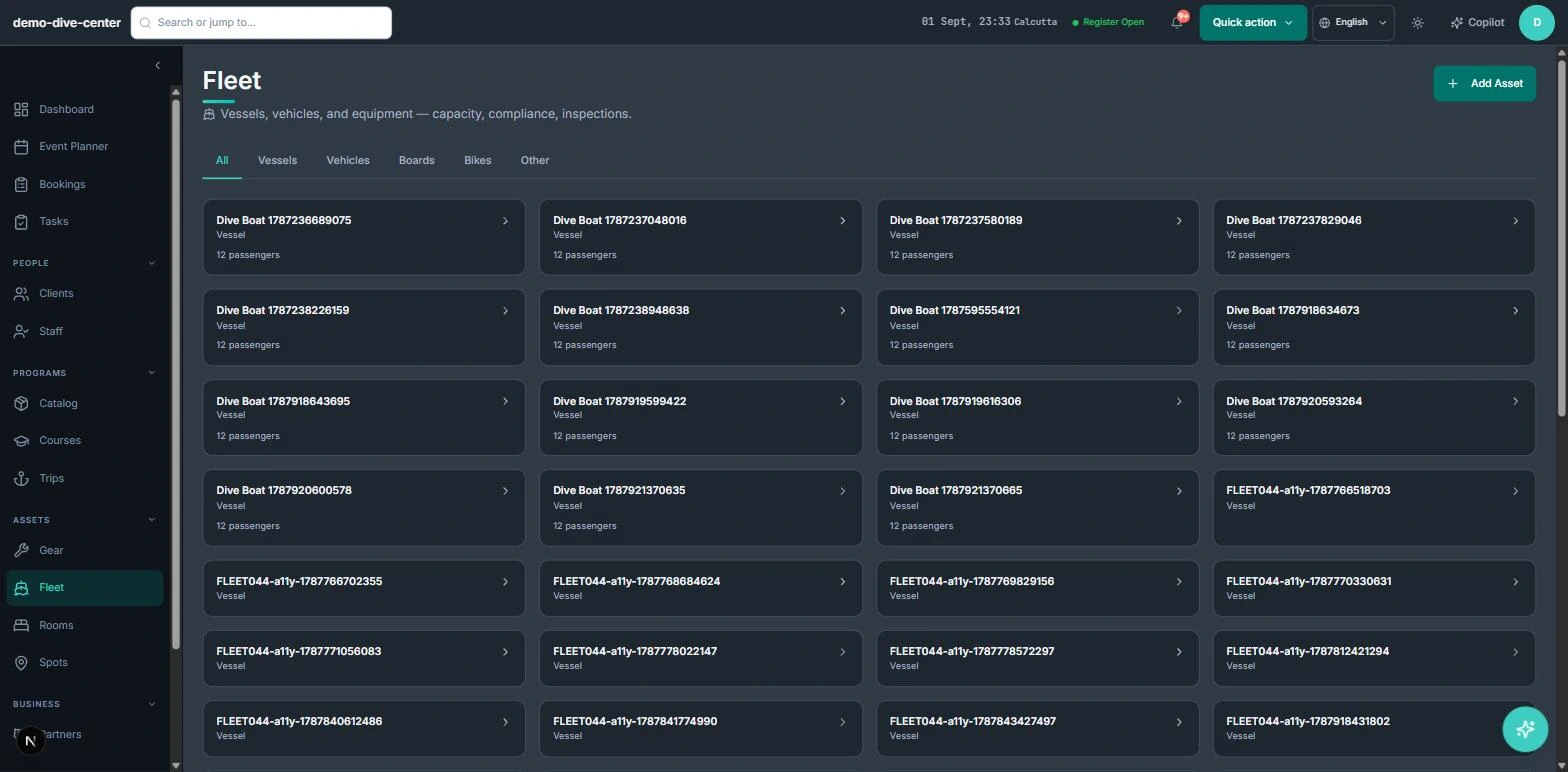
Larger assets come with paperwork. Boats, vehicles, boards, and bikes are tracked as fleet assets with passenger capacity, registration, crew, and inspection history, and RidgeHQ surfaces what is about to lapse. Accommodation is handled the same way for operators who also sell beds.
- Fleet assets with passenger capacity, registration, and assigned crew
- Inspection log with next-due date; overdue inspections flagged
- Alerts when a licence or insurance expires within 30 days
- Room types and units with booking, maintenance, and unavailable blocks on a weekly calendar
How it connects to the rest of the system
Nothing in RidgeHQ works in isolation. Gear & Fleet Management feeds — and is fed by — every other part of the operational day.
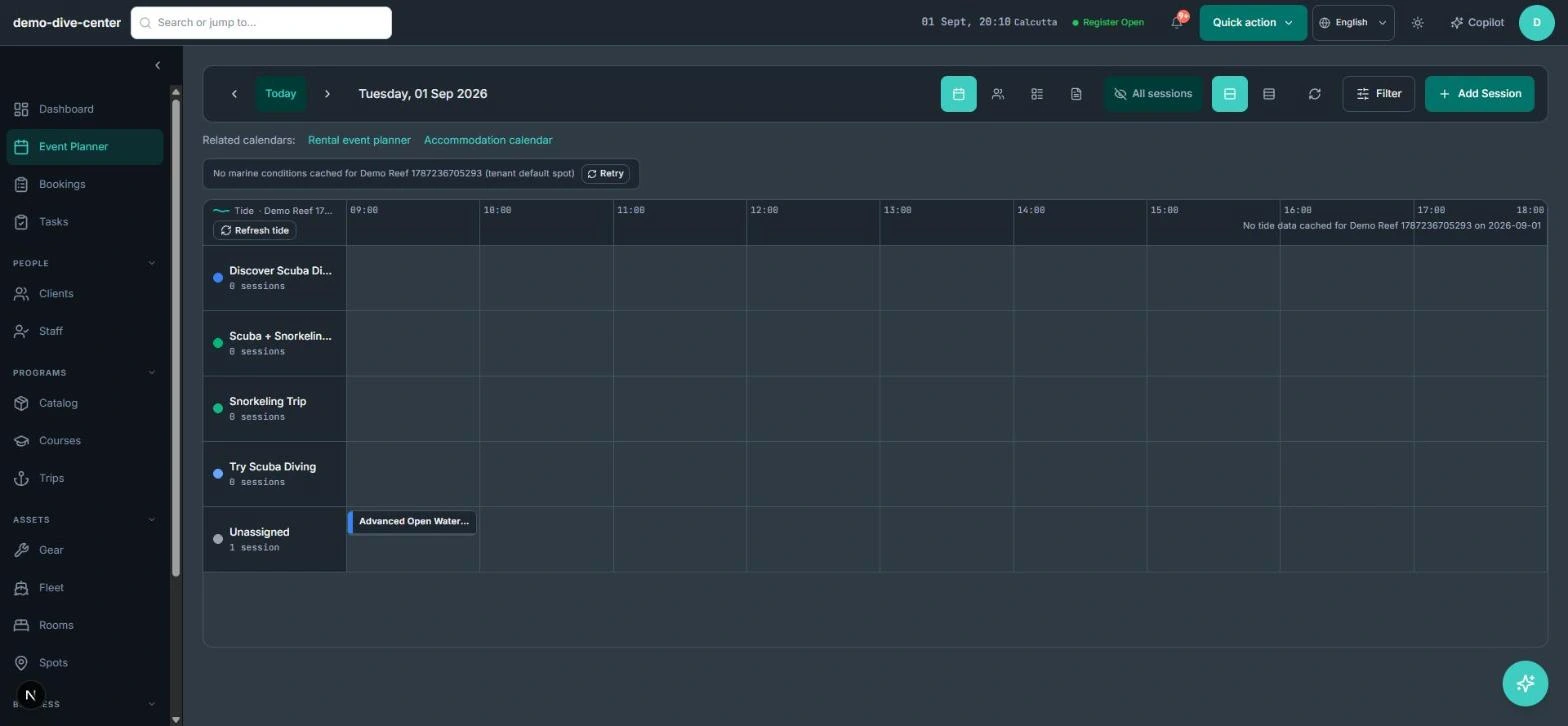
Rental and accommodation calendars are linked from the planner, and a trip's gear prep list is built from the participants travelling on it.
Each customer's sizes and gear needs are stored once and reused for every trip they book.
Fleet crew are your staff members, and maintenance actions record which person (or the AI Copilot) made them.
Rentals sold online or at the counter draw from the same availability your team sees in the gear planner.
What it changes day to day
No promises you can't keep
Availability is checked by unit and size, so a booking never assumes gear that isn't there.
Service status is always current
Out-for-service gear leaves availability the moment it is logged and returns when it comes back.
Paperwork doesn't lapse quietly
Inspections, licences, and insurance are flagged before they become a problem on the water or the road.
Faster trip prep
Gear needs come from customer profiles instead of a last-minute round of messages.
One system for the operational day
Common Questions
Related operational problems
See Gear & Fleet Management in RidgeHQ
Book a demo and we'll walk through your real operational workflows — bookings, schedule, resources, and the day close.
Book a demo — Gear & Fleet Management
Tell us about your operation and we'll tailor the walkthrough.