
From enrolment to the last tack, one system.
Generic booking tools struggle with summer courses, private coaching, and fleet charter at once. RidgeHQ keeps every service on one planner and one fleet so you sell across channels and keep sessions on time.
- 0% commission on direct bookings
- Vessels, inspection dates, and crew in one place
- Overlapping skipper and pilot assignments refused
See it on your operation
A short walkthrough of RidgeHQ mapped to how sailing schools actually run the day — bookings, schedule, resources, and the close.
Book a DemoTakes about two minutes to request.
The operational reality
A sailing school is a scheduling puzzle: a five-day course needs the right boat for five days, a qualified skipper for the same five days, and no clash with a maintenance haul-out or a weekend charter. Run that across a fleet on a spreadsheet and something gets double-booked.
What your day has to balance
- Vessel availability against courses, charters, and maintenance blocks
- Skipper and instructor qualification requirements per vessel
- Minimum and maximum crew limits for specific boats
- Inspection, licence, and insurance expiry dates per vessel
- Multi-day course blocks spanning consecutive days
How RidgeHQ helps
Courses, coaching, and charters share one planner and one fleet register — each vessel's capacity, crew, inspection, licence, and insurance dates sit beside the schedule, and a skipper can't be assigned to two overlapping sessions or trips.
From booking to day close:
Book online. A student books a course or charter, pays a deposit, and signs the waiver.
Confirm on payment. The order confirms once the payment succeeds; the balance is tracked against it.
Build the week. Course sessions are created or cloned across the week in the planner.
Assign skippers. Skippers and instructors are assigned per session; overlaps are refused.
Check the boat. The vessel's inspection, licence, and insurance status are in view before departure.
Sign off. Completion is recorded per student, creating a certification record, and the day closes into reporting.
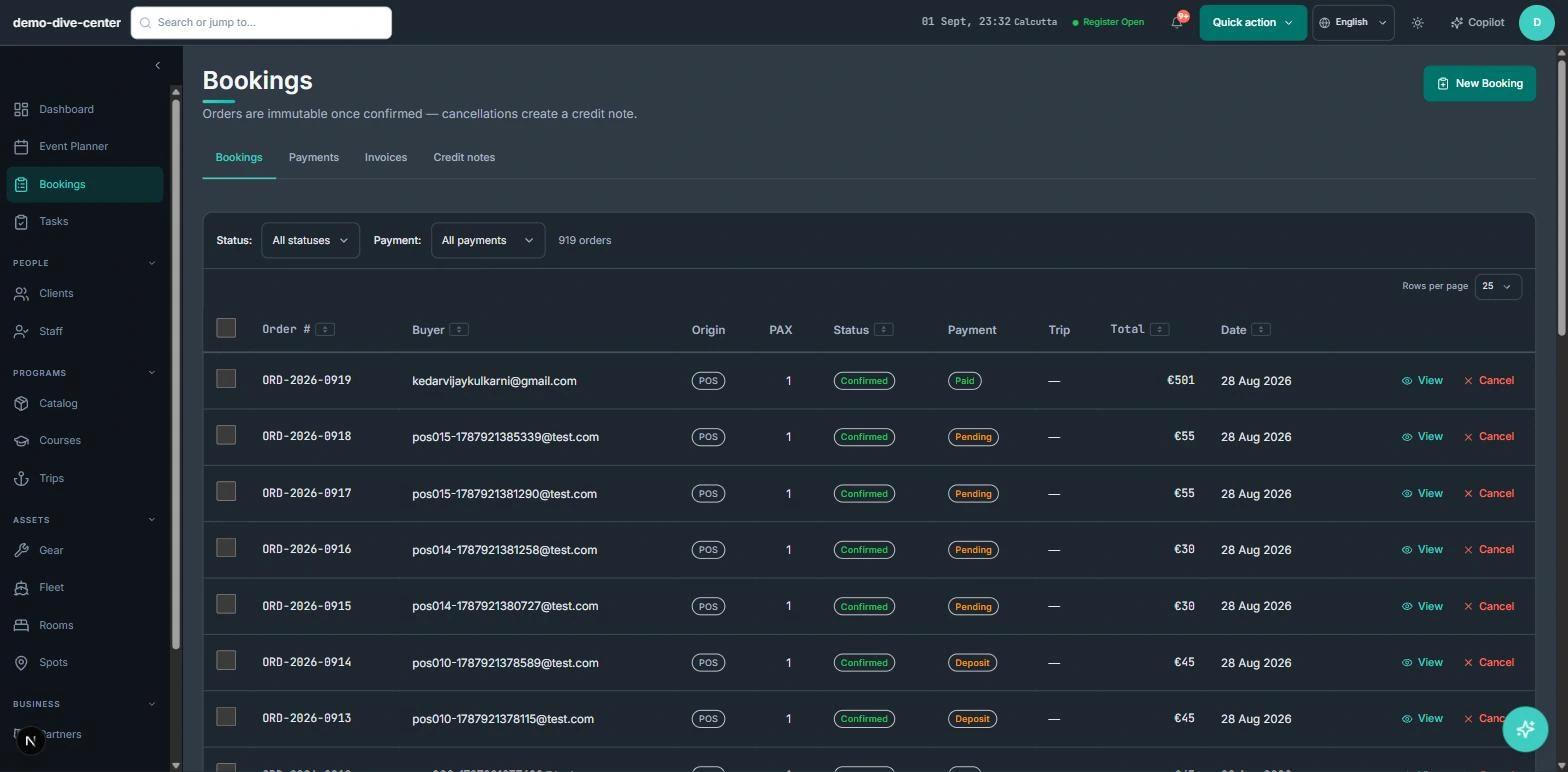
Courses, coaching, and charters on one calendar
Summer courses, private coaching, and charters compete for the same boats and the same skippers. Putting them on one planner, sold through one checkout, is what stops the weekend charter landing on a course boat.
- Booking widget on your own website with live availability, deposit or full payment, and promo codes
- Front-desk POS for walk-ins, rentals, and retail on one basket, with register open and close
- Agent and partner bookings recorded with their commission for settlement
- 0% platform commission on direct bookings
- Courses with dated variants, attendance tracking, and completion records
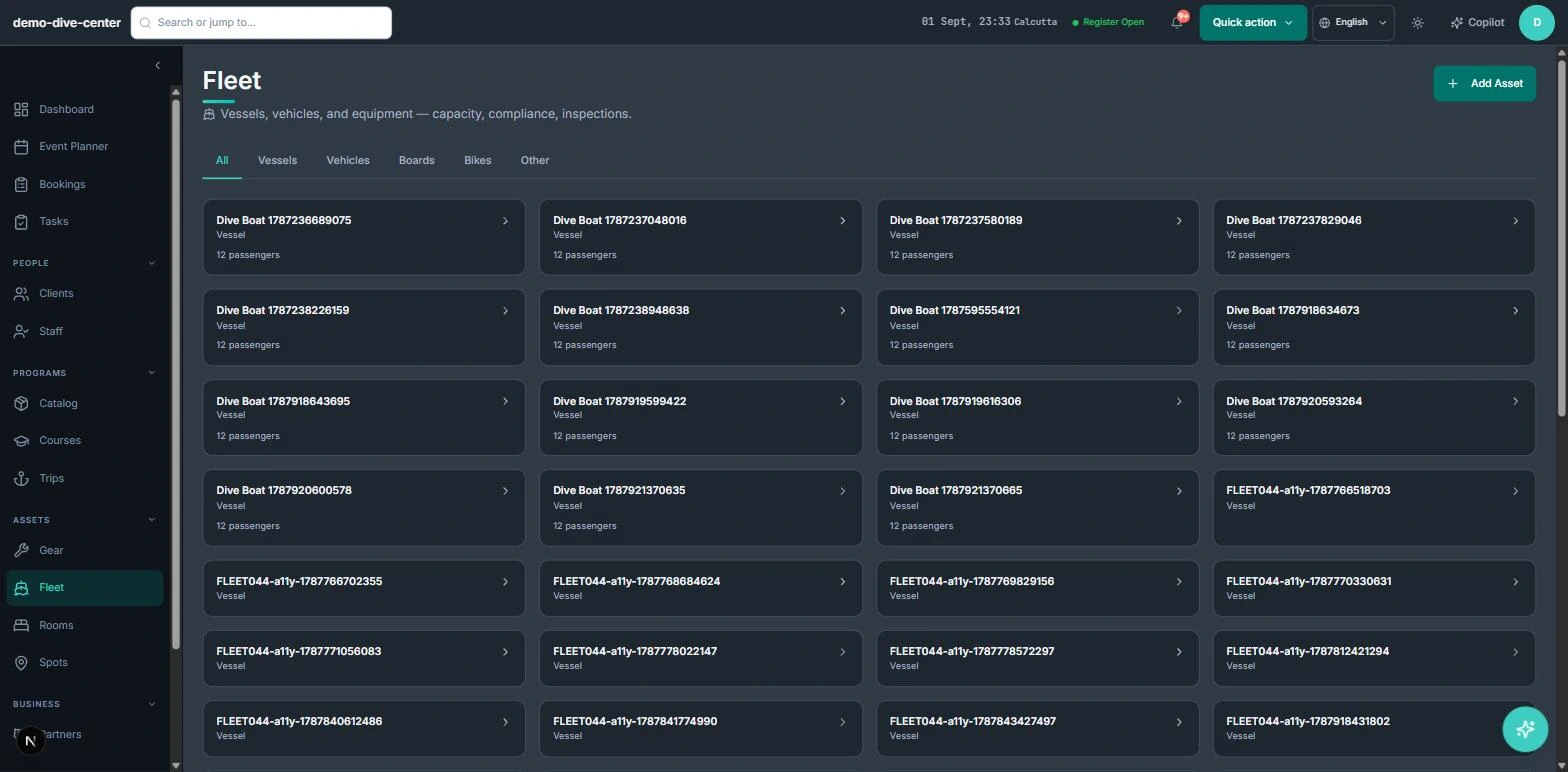
A fleet register that watches the paperwork
Every vessel carries its passenger capacity, registration, crew, and inspection history. RidgeHQ flags overdue inspections and licences or insurance expiring within 30 days, so a lapse is caught in the office rather than at the pontoon.
- Vessels with capacity, registration, photo, and assigned crew
- Inspection log with next-due date; overdue inspections flagged
- Alerts for licence and insurance expiring within 30 days
- Smaller craft and kit tracked as gear units with maintenance records
- Trips with a pilot and destination, recurring departures, and attendee email
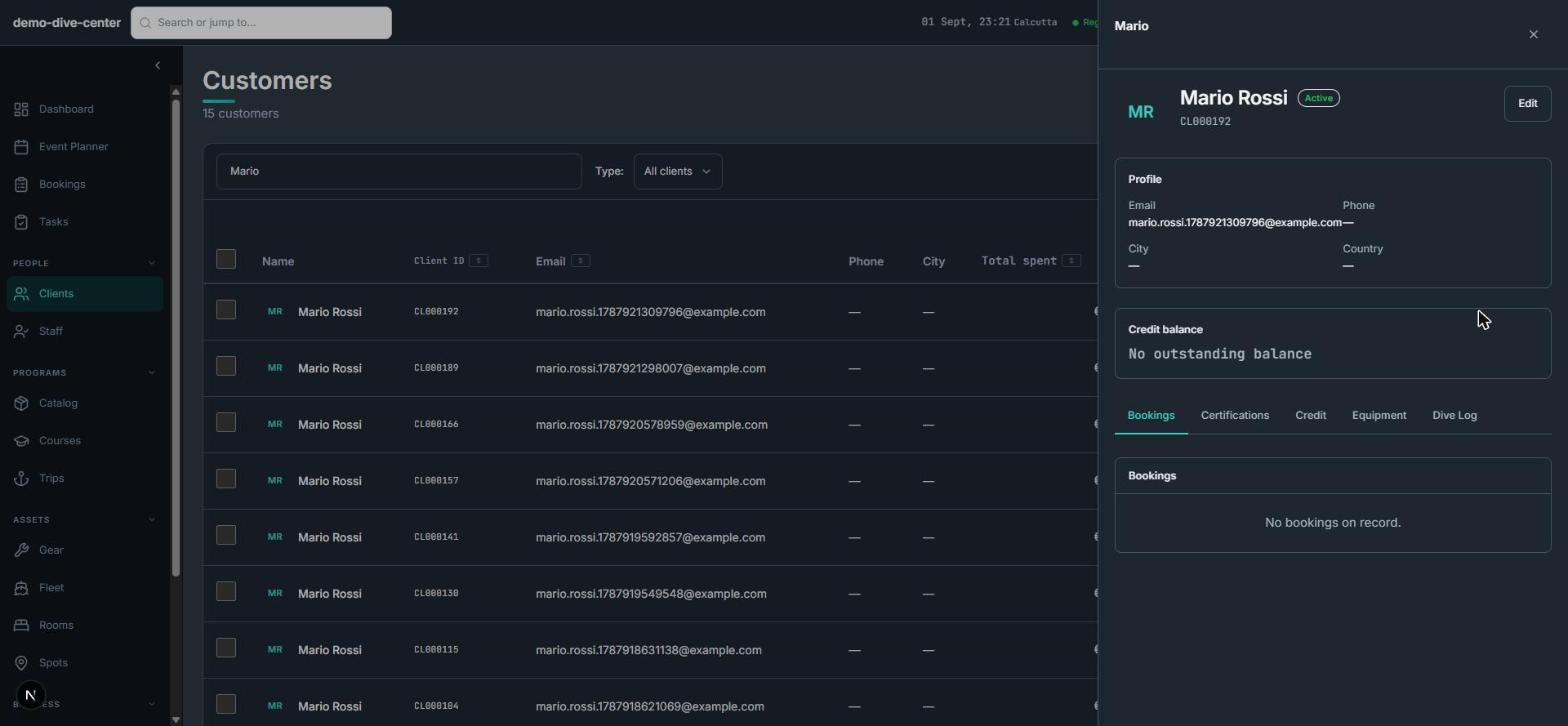
Students and skippers on the same record
Qualifications matter on the water. Products can require a minimum level, the booking form asks for it, and the roster shows each student's certification — while the planner refuses to put one skipper in two places.
- Products can require a skill level; licence number and level asked only where needed
- Certification records with level and verifying staff member
- Overlap checks for instructors and pilots
- Wind, wave, and tide context for the session's spot, with per-activity thresholds
- Per-participant waivers with typed signature and conditional questions
What changes when the operation is connected
No double-booked skippers
Overlapping assignments are refused when they are made.
Compliance dates in view
Inspection, licence, and insurance dates are tracked and flagged before they lapse.
One fleet, every service
Courses, coaching, and charters plan against the same boats.
Completion on record
Course completions create certification records on the student's profile.
Built around the work
Stop acting as the manual API between your booking engine and your team.
Common Questions
How RidgeHQ handles sailing schools edge cases.
Platform capabilities behind this
Run the numbers for your sailing schools
Free calculators with the formulas shown, plus how RidgeHQ is priced and how it compares.
See RidgeHQ for sailing schools
Book a demo and we'll walk through your real operational workflows — bookings, schedule, resources, and the day close.
Book a demo — Sailing Schools
Tell us about your operation and we'll tailor the walkthrough.