
Run your outdoor centre in flow.
Rafting, canyoning, and guided kayak trips move fast, sell in groups, and depend on clean logistics. RidgeHQ keeps website sales, POS, agents, payments, and participant forms connected.
- 0% commission on direct bookings
- Rafts, vehicles, and guides on one planner
- A signed waiver for every participant
See it on your operation
A short walkthrough of RidgeHQ mapped to how outdoor & whitewater actually run the day — bookings, schedule, resources, and the close.
Book a DemoTakes about two minutes to request.
The operational reality
A single rafting or canyoning trip is a logistics chain: enough boats for the headcount, enough guides for the ratio, enough shuttle seats to reach the put-in, and a signed waiver for every person. Miss one link and the trip runs short-handed or leaves someone at the depot.
What your day has to balance
- Water levels and flow rates for the day's call
- Guide-to-client ratios that vary by river section and activity
- Guide qualification per section or activity
- Shuttle vehicle seat capacity
- Waiver completion for every participant before departure
How RidgeHQ helps
Group bookings, trips, guides, and assets live in one planner — trips carry their pilot or driver and destination, guides can't be double-booked, and every participant signs a waiver tied to the booking before they reach the put-in.
From booking to day close:
Book the group. A group books online or through an agent and adds any shuttle or extras.
Confirm on payment. The order confirms once the payment succeeds.
Collect waivers. Every participant signs their own waiver and medical questions.
Build the trip. Sessions are grouped into a trip with a driver and destination.
Assign guides. Guides are assigned in the planner; overlapping assignments are refused.
Run and close. The roster shows waiver status on the day, and the trip's revenue lands in reporting by origin.
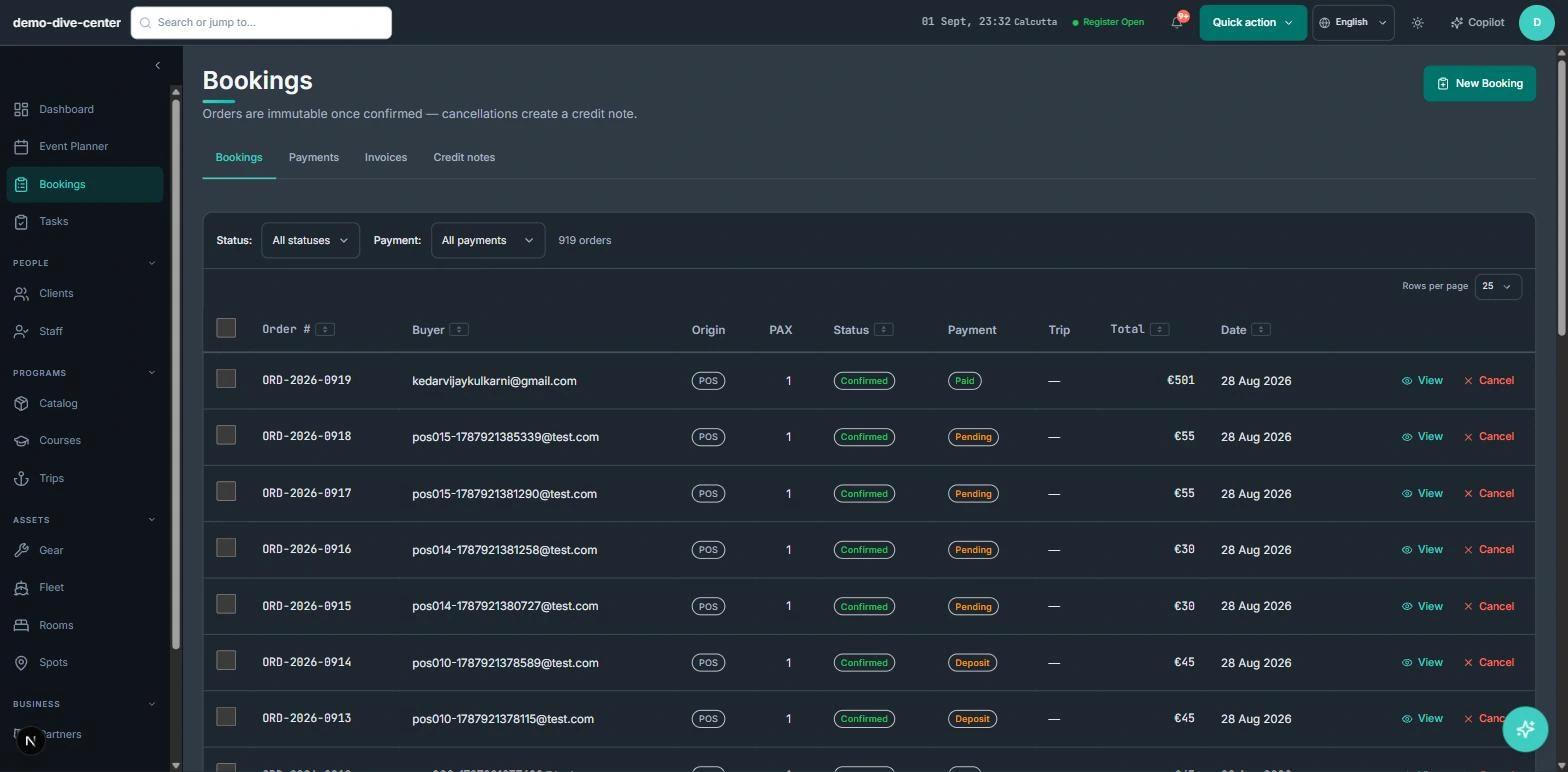
Group bookings from every channel
Rafting and canyoning sell in groups, through your site, the desk, and hotels or agents. All of them write to the same trips, so a group sold by an agent is visible to the desk immediately.
- Booking widget on your own website with live availability, deposit or full payment, and promo codes
- Front-desk POS for walk-ins, rentals, and retail on one basket, with register open and close
- Agent and partner bookings recorded with their commission for settlement
- 0% platform commission on direct bookings
- Add-ons such as a shuttle or photos, mandatory or optional, attached to the trip product
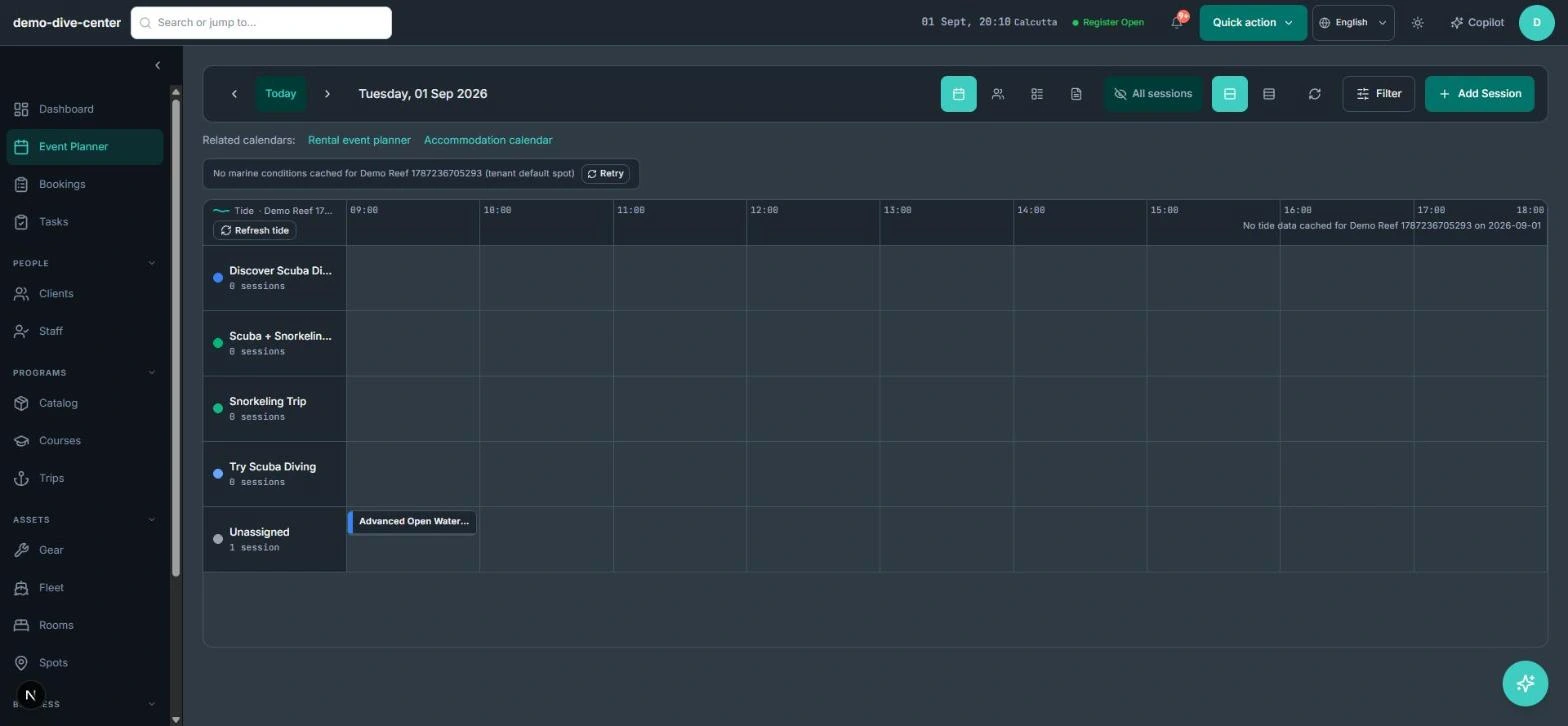
Trips, guides, and assets in one planner
A trip is a group of sessions with its own driver or pilot and destination. Guides are assigned in the same planner, with overlaps refused, and rafts, vehicles, and other assets are tracked with their capacity and paperwork.
- Trips with a pilot or driver, destination spot, and capacity from their sessions
- Overlap checks on guide and pilot assignments
- Rafts, vehicles, and other assets tracked as fleet with capacity and crew
- Vehicle licence and insurance expiry alerts, and inspection logs
- Recurring departures and attendee email for each trip
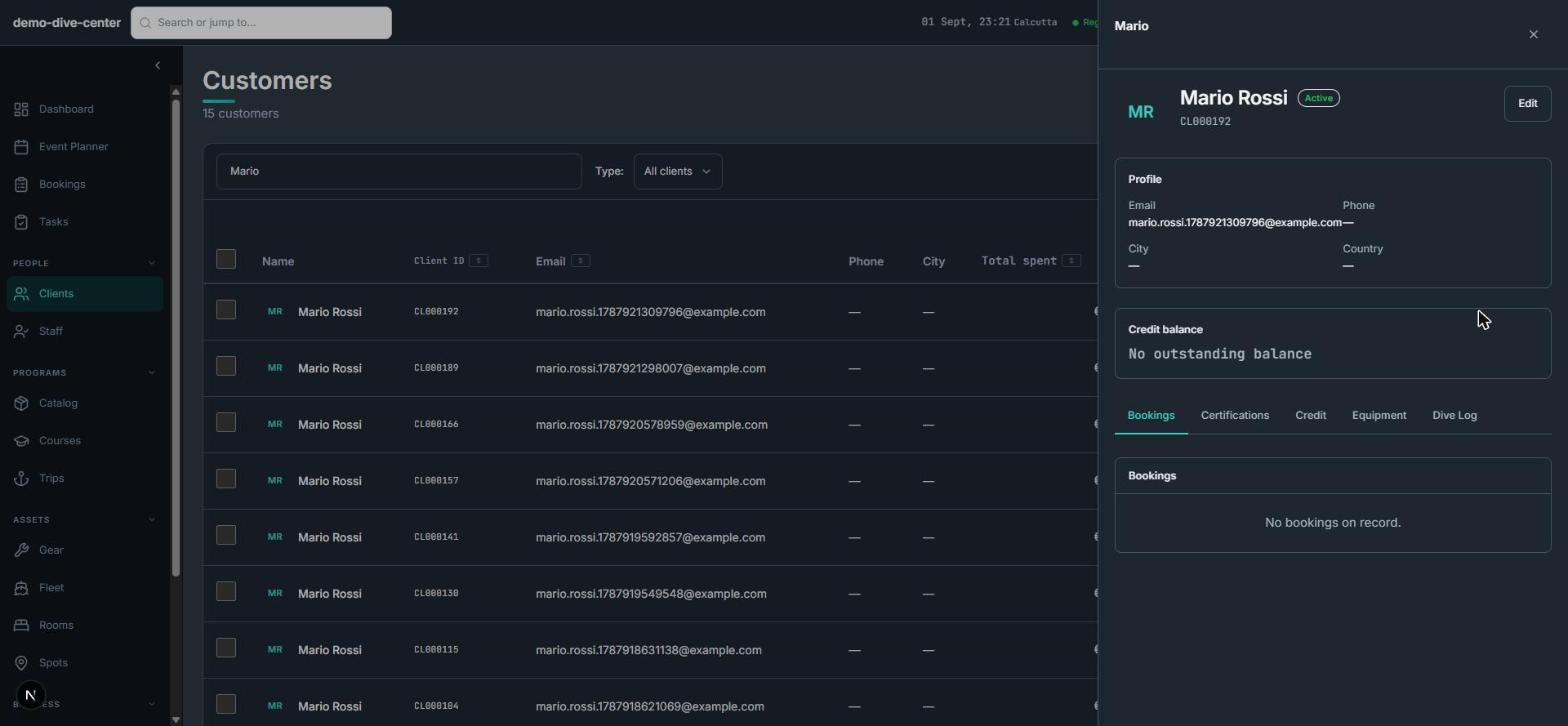
Every participant accounted for
Group trips fail on paperwork. Every participant has their own waiver on the booking, with a medical questionnaire and conditional questions, and the roster shows who still needs to sign.
- Per-participant waivers with typed signature and medical questions
- Conditional questions that appear only when an earlier answer requires them
- Products can require a minimum experience level, asked for where needed
- Printable roster per session
- Changes to a paid group booking create a credit note
What changes when the operation is connected
Nobody unsigned at the put-in
Waivers are per participant and visible on the roster.
No double-booked guides
Guide and driver overlaps are refused when assigned.
Assets with paperwork in view
Vehicle licences, insurance, and inspections are tracked and flagged.
Agent sales in the same place
Agent bookings land on the same trips with their commission recorded.
Built around the work
Stop acting as the manual API between your booking engine and your team.
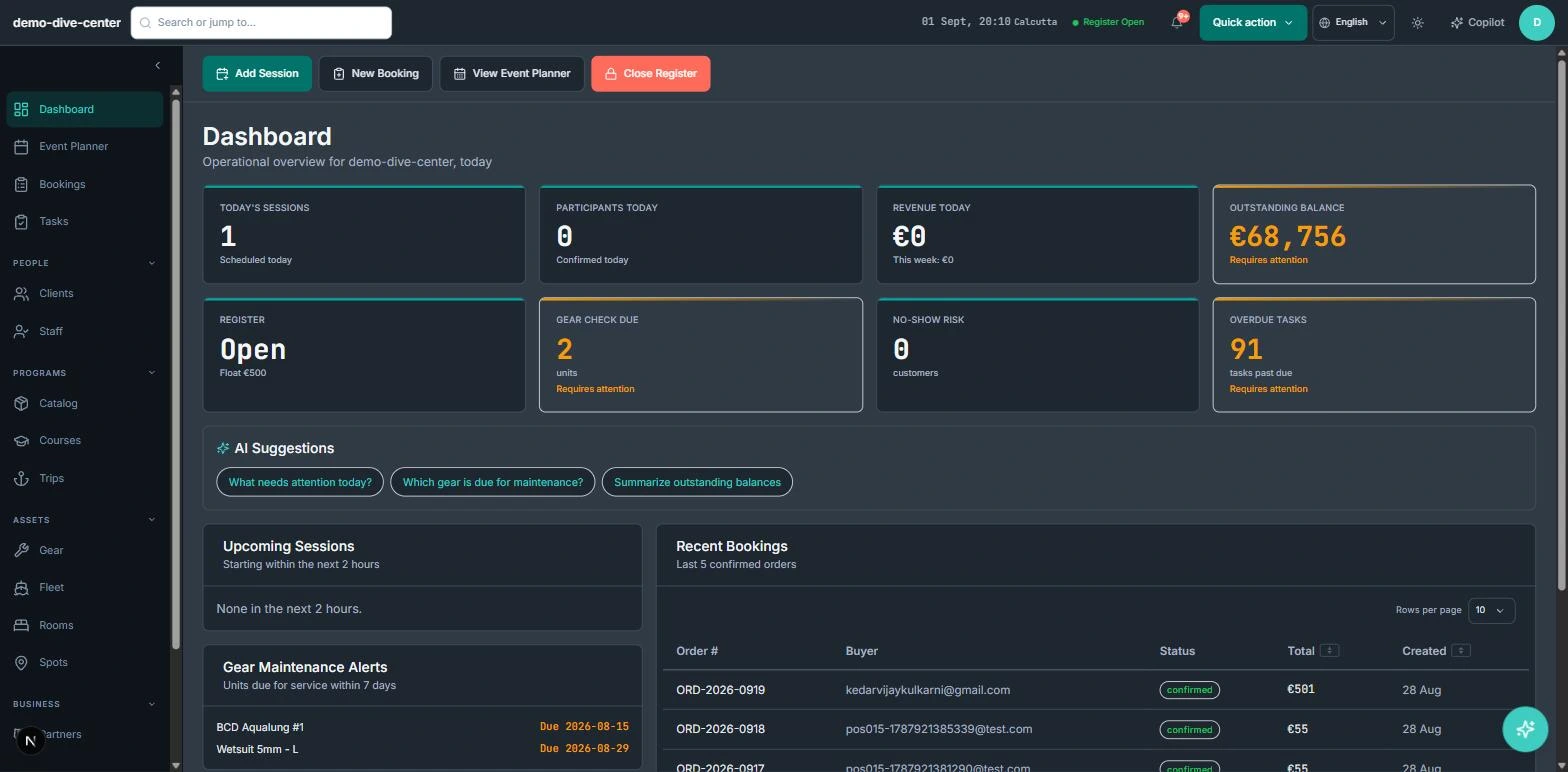
Common Questions
How RidgeHQ handles outdoor & whitewater edge cases.
Platform capabilities behind this
Related operational problems
Run the numbers for your outdoor & whitewater
Free calculators with the formulas shown, plus how RidgeHQ is priced and how it compares.
See RidgeHQ for outdoor & whitewater
Book a demo and we'll walk through your real operational workflows — bookings, schedule, resources, and the day close.
Book a demo — Outdoor & Whitewater
Tell us about your operation and we'll tailor the walkthrough.