
A hotel and a dive centre, running as one.
RidgeHQ brings website sales, on-site POS, boat operations, guest paperwork, and the daily close into one system — purpose-built for dive operations and flexible for resort stays with add-ons.
- 0% commission on direct bookings
- Rooms and dive operations on one system
- Stay & Dive packages in one checkout
See it on your operation
A short walkthrough of RidgeHQ mapped to how dive resorts actually run the day — bookings, schedule, resources, and the close.
Book a DemoTakes about two minutes to request.
The operational reality
A dive resort runs a hotel and a dive centre at once. When the beds live in one system and the boats in another, package dives get miscounted, a guest gets billed twice, and reception and the dive desk spend the week reconciling by hand.
What your day has to balance
- Room availability, occupancy type, and turnaround times
- Package inclusion limits (dives included, nitrox, equipment)
- Boat and guide capacity shared between resort guests and day guests
- Certification and medical clearance per dive or course
- Tide, visibility, and water temperature for each site
How RidgeHQ helps
Rooms, dives, and rental gear are sold and planned in one system — a package product bundles the accommodation and rental components, and the room calendar and the dive planner read the same bookings.
From booking to day close:
Book the package. A guest books a Stay & Dive package online and pays a deposit.
Hold the room. The package's accommodation is reserved on the room calendar.
Prepare the diver. Waiver, medical form, certifications, and sizes are collected before arrival.
Plan the dives. Daily dives are planned as trips with a pilot and site.
Generate manifests. Manifests come from confirmed divers with certifications and sizes.
Close out. Balances settle at the desk and revenue lands in reporting by origin.
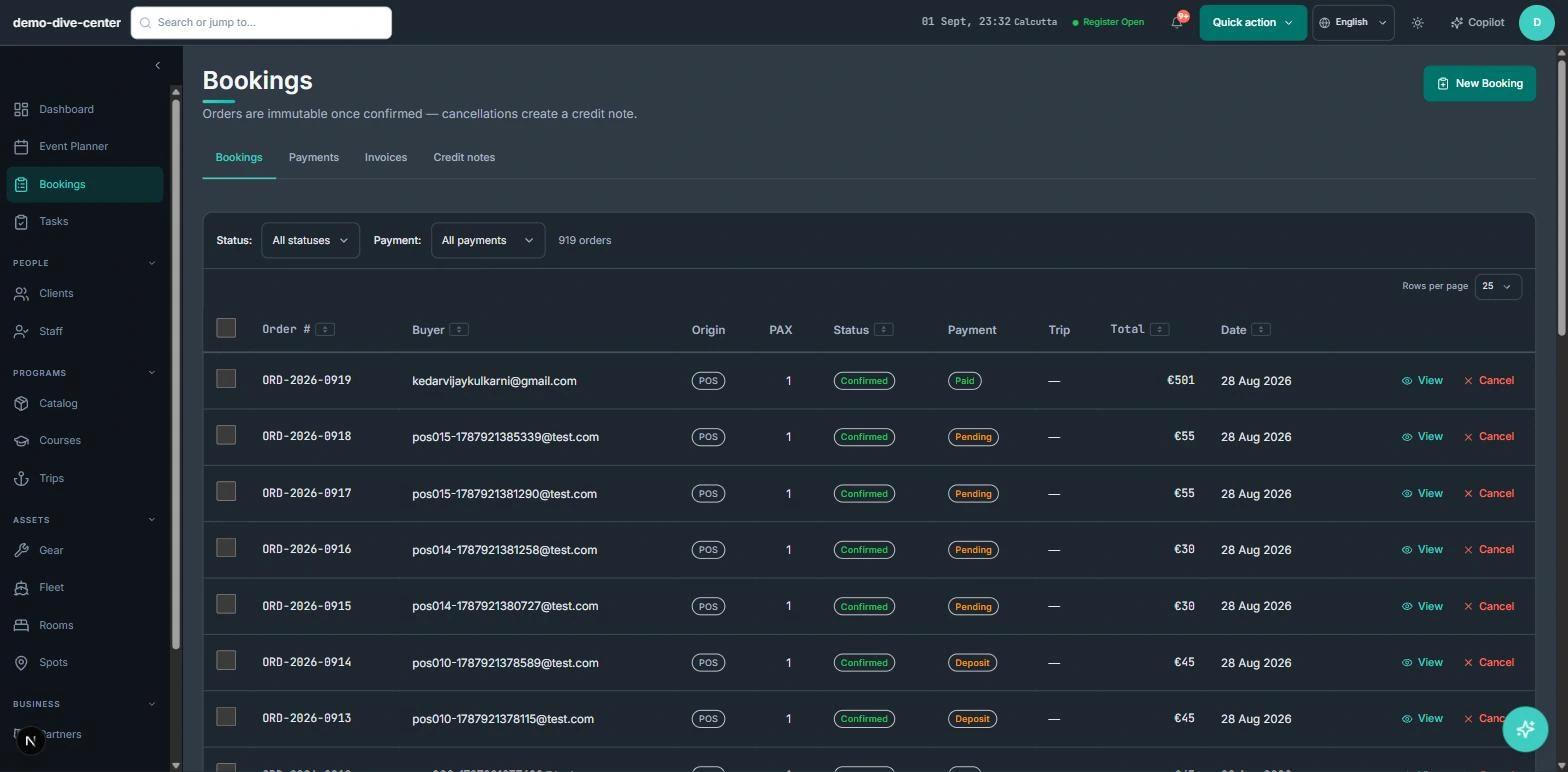
Beds and boats in one checkout
When rooms live in one system and dives in another, packages get miscounted and guests get billed twice. In RidgeHQ a package product bundles accommodation and rental components, and the room calendar and the dive planner read from the same order.
- Booking widget on your own website with live availability, deposit or full payment, and promo codes
- Front-desk POS for walk-ins, rentals, and retail on one basket, with register open and close
- Agent and partner bookings recorded with their commission for settlement
- 0% platform commission on direct bookings
- Package products bundling accommodation and rental components, with optional add-ons
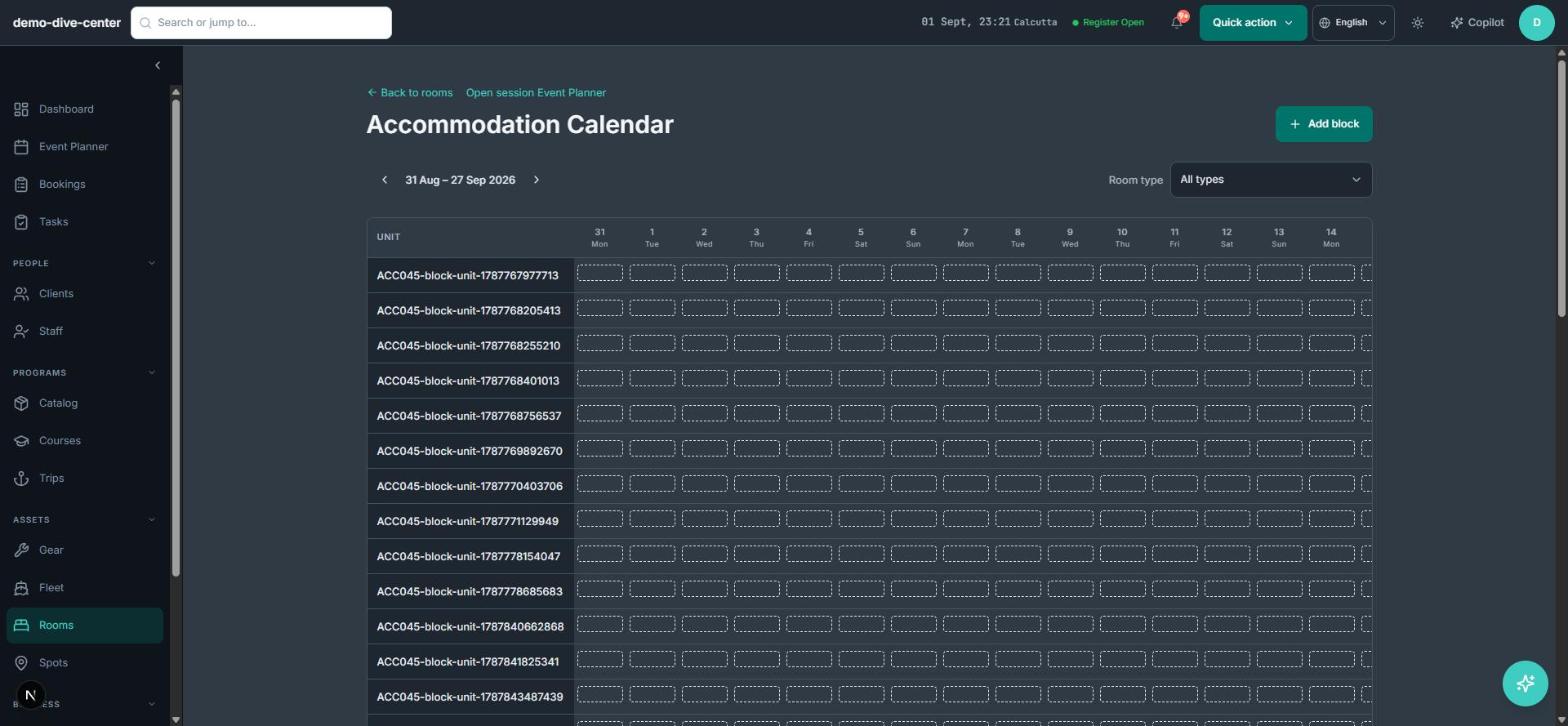
Rooms with their own calendar
Room types and units have a weekly calendar with booking, maintenance, and unavailable blocks. It stays separate from the dive planner, but is one click away from it.
- Room types and units with a weekly calendar
- Booking, maintenance, and unavailable blocks per room
- Accommodation dates on the order line
- Linked from the dive planner as a related calendar
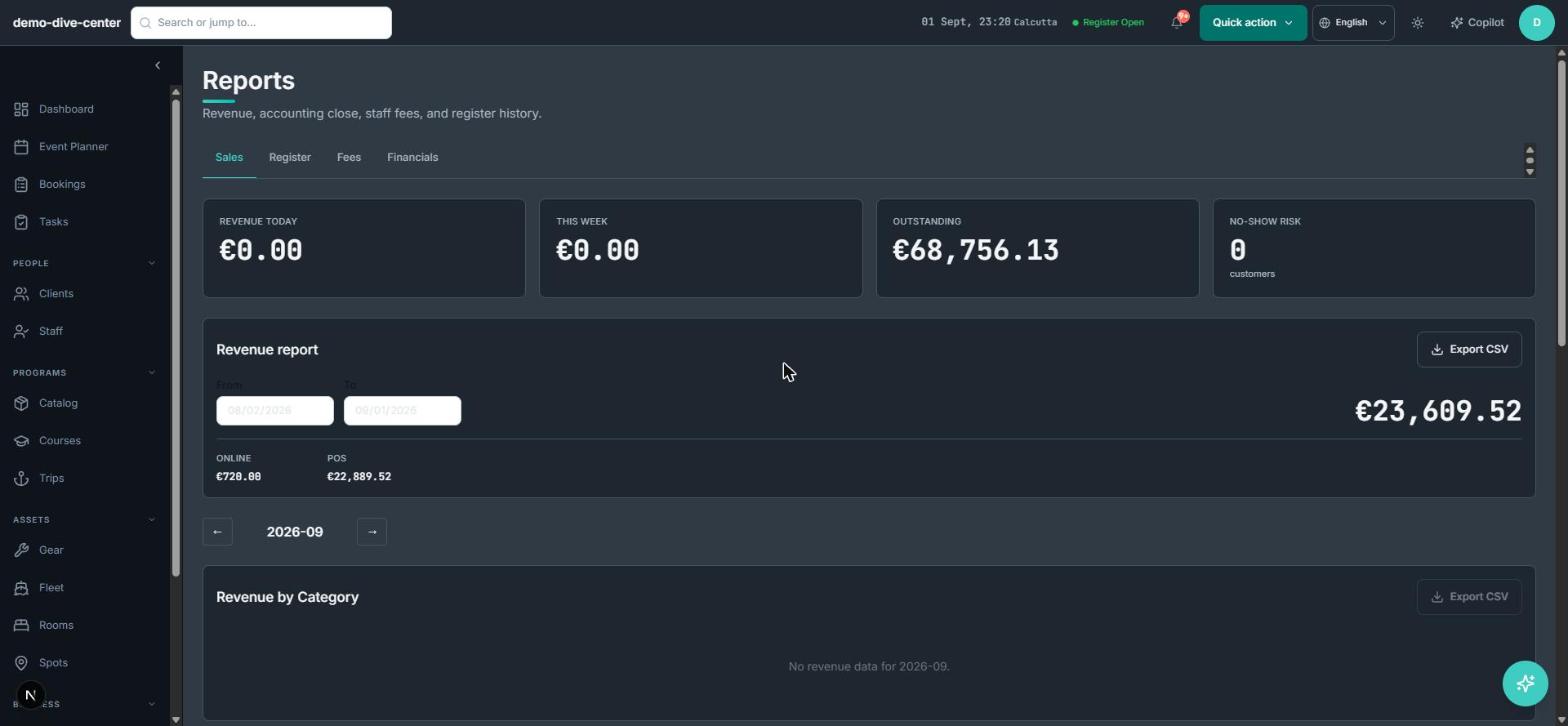
- Revenue by origin across rooms, dives, and retail
Dive operations that match the guest list
The dive side works like a dive centre: trips with pilots and sites, manifests generated from confirmed divers, certifications and sizes stored once per guest.
- Trips with pilot, dive site, and capacity from their sessions
- Boat manifests with certification and kit sizes
- Certification records and equipment sizing per guest
- Per-participant waivers and medical questionnaire
- Trip gear prep list from each diver's needs
What changes when the operation is connected
One order per guest
Room, diving, and gear sit on one package order.
Reception and dive desk agree
Both read the same bookings.
Manifests from real bookings
The boat list is generated from confirmed divers.
Paperwork done before arrival
Waivers and medical forms are signed ahead.
Built around the work
Stop acting as the manual API between your booking engine and your team.
Common Questions
How RidgeHQ handles dive resorts edge cases.
Platform capabilities behind this
Run the numbers for your dive resorts
Free calculators with the formulas shown, plus how RidgeHQ is priced and how it compares.
See RidgeHQ for dive resorts
Book a demo and we'll walk through your real operational workflows — bookings, schedule, resources, and the day close.
Book a demo — Dive Resorts
Tell us about your operation and we'll tailor the walkthrough.