
Run charters and skipper courses at full speed.
Stop juggling boat availability, course sessions, payments, and paperwork. RidgeHQ keeps charters and training in one place so you fill more dates, avoid double-bookings, and run smoother at the dock.
- 0% commission on direct bookings
- Licence details asked where a booking requires them
- Vessel inspection, licence, and insurance alerts
See it on your operation
A short walkthrough of RidgeHQ mapped to how boat rental & courses actually run the day — bookings, schedule, resources, and the close.
Book a DemoTakes about two minutes to request.
The operational reality
Handing over a boat worth six figures depends on two things going right: the right licence on file for a bareboat charter, and a security deposit that is actually held. Chase both by email and one of them slips — the client arrives without the paperwork, or the deposit was never taken.
What your day has to balance
- Vessel availability and turnaround time between bookings
- Client licence and ID verification status
- Skipper and instructor availability for skippered work
- Inspection, licence, and insurance expiry per vessel
- Security deposit pre-authorisation and release
How RidgeHQ helps
Charters and courses share one fleet register and one planner — a charter product can require a qualification so the booking form asks for the skipper's level and licence number, and each vessel's inspection, licence, and insurance dates are flagged before they lapse.
From booking to day close:
Book the charter. A client books online and pays a deposit.
Check the qualification. Products that require it ask for the client's level and licence number.
Sign the waiver. The client signs with a typed signature before handover.
Check the boat. Inspection, licence, and insurance status are in view in the fleet register.
Plan skippered trips. Skippers are assigned; overlaps refused.
Settle up. The balance settles and the charter lands in reporting by origin.
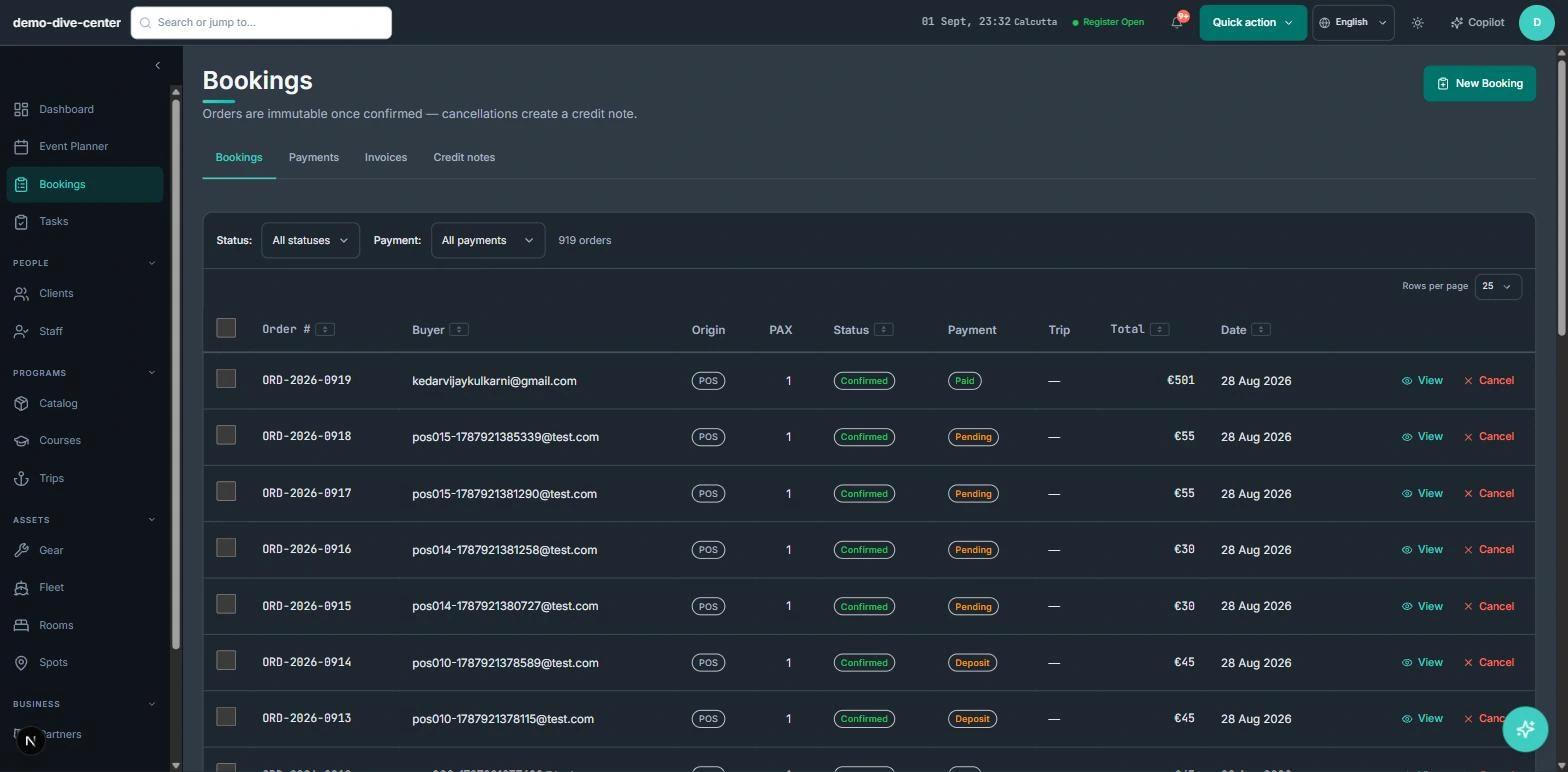
Charters and courses through one checkout
Charters, skippered trips, and training courses compete for the same boats. Selling them through one checkout onto one planner keeps them from colliding.
- Booking widget on your own website with live availability, deposit or full payment, and promo codes
- Front-desk POS for walk-ins, rentals, and retail on one basket, with register open and close
- Agent and partner bookings recorded with their commission for settlement
- 0% platform commission on direct bookings
- Courses with dated variants, attendance, and completion records
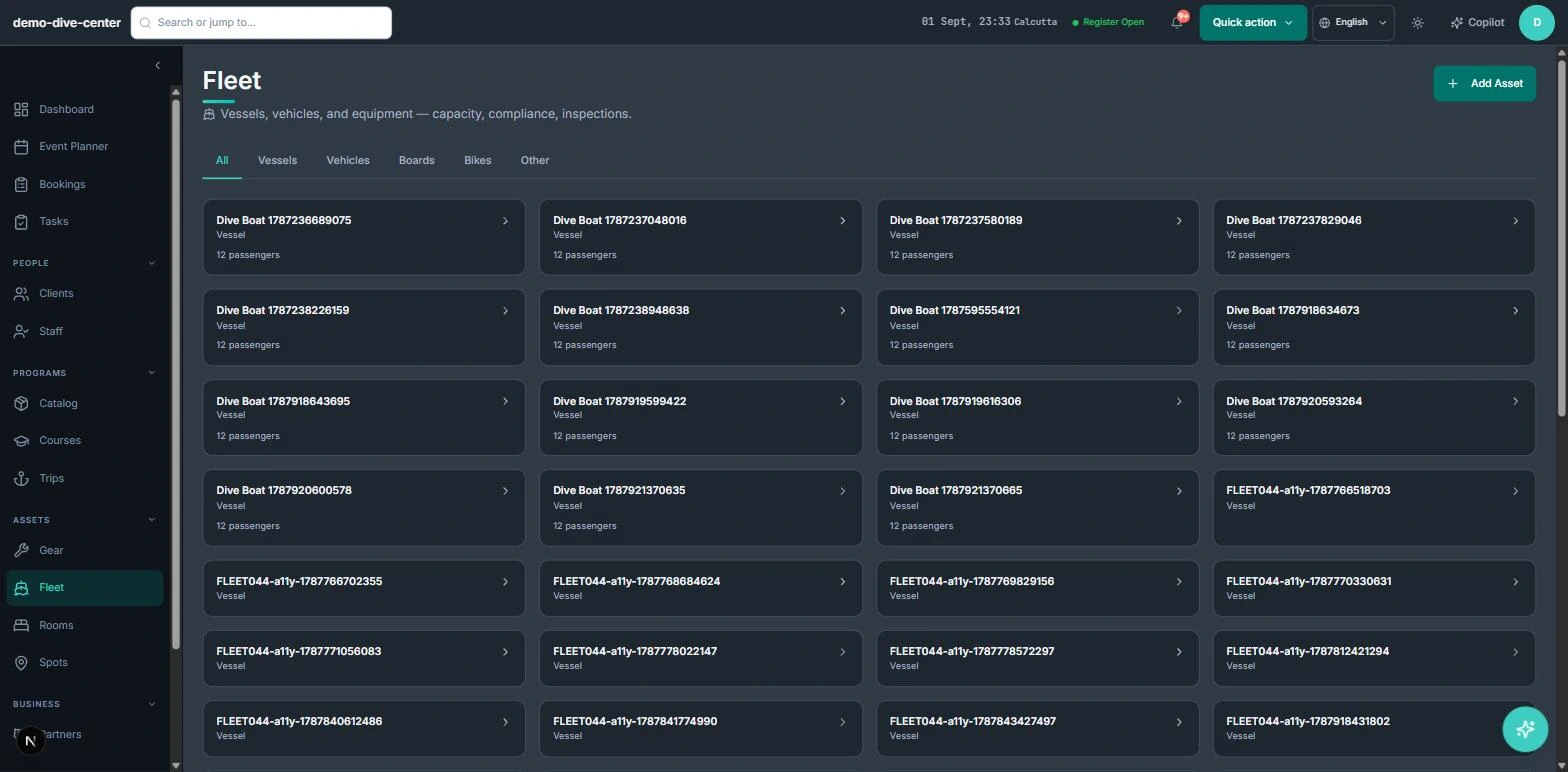
Qualifications asked for at booking
Bareboat hire depends on the right qualification. A product can require a minimum level; the booking form then asks for the client's level and licence number, and both are stored with the booking.
- Skill-level requirement on charter and course products
- Level and licence number asked only where the product requires them
- Certification records with level and verifying staff member
- Per-participant waivers with typed signature and conditional questions
- Course completion creates a certification record
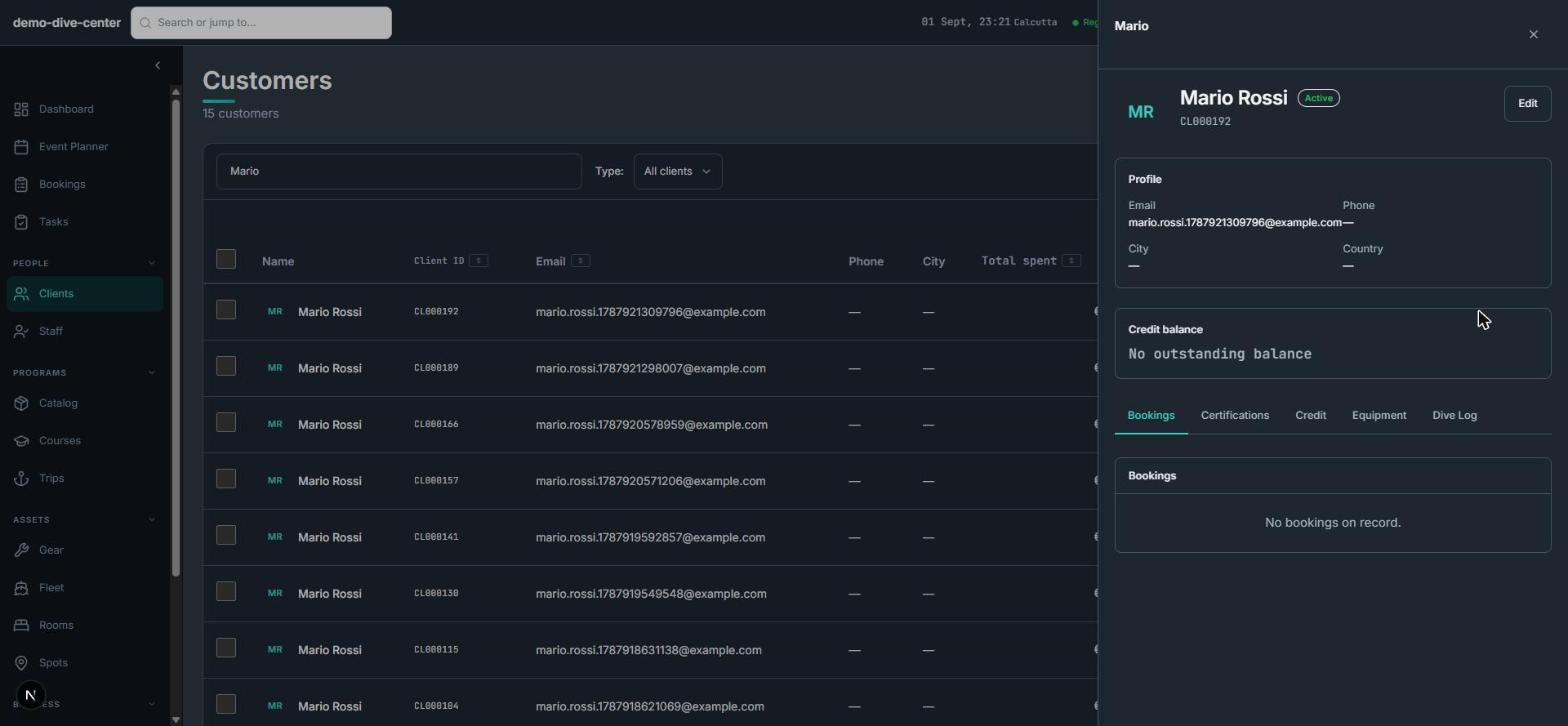
A fleet register that watches the paperwork
Each vessel carries capacity, registration, crew, and inspection history, with alerts before paperwork lapses — so the office catches it, not the client at the pontoon.
- Vessels with capacity, registration, and crew
- Inspection log with next-due date and overdue flags
- Licence and insurance expiry alerts within 30 days
- Trips with a skipper and destination; overlapping skippers refused
- Wind, wave, and tide context with per-activity thresholds
What changes when the operation is connected
Qualifications on file
Licence details are captured at booking where they're required.
Paperwork that doesn't lapse quietly
Vessel inspections, licences, and insurance are flagged.
No double-booked skippers
Overlaps refused when assigned.
Charters and courses agree
One fleet, one planner.
Built around the work
Stop acting as the manual API between your booking engine and your team.
Common Questions
How RidgeHQ handles boat rental & courses edge cases.
Platform capabilities behind this
Run the numbers for your boat rental & courses
Free calculators with the formulas shown, plus how RidgeHQ is priced and how it compares.
See RidgeHQ for boat rental & courses
Book a demo and we'll walk through your real operational workflows — bookings, schedule, resources, and the day close.
Book a demo — Boat Rental & Courses
Tell us about your operation and we'll tailor the walkthrough.